Shopify
New e-commerce order
Futuria CRM
Giulia Pasoli
Contact created€148
order #10432
Customers enter the CRM automatically
Each order creates or updates the correct contact, including history and tags. No copying data between systems.
ERP, e-commerce, invoicing and website: connect Futuria CRM to the software you already use through REST APIs and webhooks, without manual exports.
Connects to the systems you already use
 Shopify
 WooCommerce
 WordPress
 Stripe
 Fatture in Cloud
 Slack
SlackERP, e-commerce, invoicing and website: Futuria CRM APIs move data between the systems you already use. No manual exports and no duplicate entry.
An event in one system triggers the right action in another, without exports or duplicate entry.
ShopifyEach order creates or updates the correct contact, including history and tags. No copying data between systems.
Fatture in CloudWhen payment arrives, the opportunity is marked as won and the sales team sees the update in the pipeline.
WordPressWebsite contacts reach the CRM in real time and the correct follow-up workflow starts automatically.
JSON requests, key-based authentication and real-time events for teams that already work with APIs.
Read and write contacts, opportunities, conversations, calendars and payment data in JSON.
The CRM notifies your systems as soon as an event occurs, without polling.
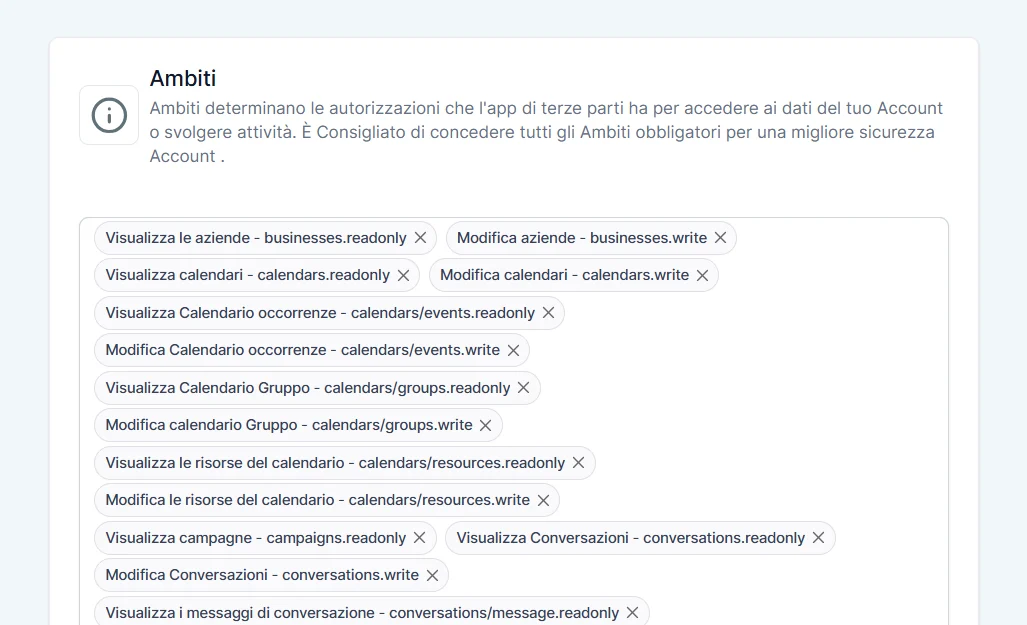
Give each integration its own key and only the permissions it actually needs.
curl -X POST {BASE_URL}/v1/contacts \ -H "Authorization: Bearer $API_KEY" \ -H "Content-Type: application/json" \ -d '{ "first_name": "Giulia", "last_name": "Pasoli", "email": "giulia@example.com", "tags": ["qualified-lead"] }'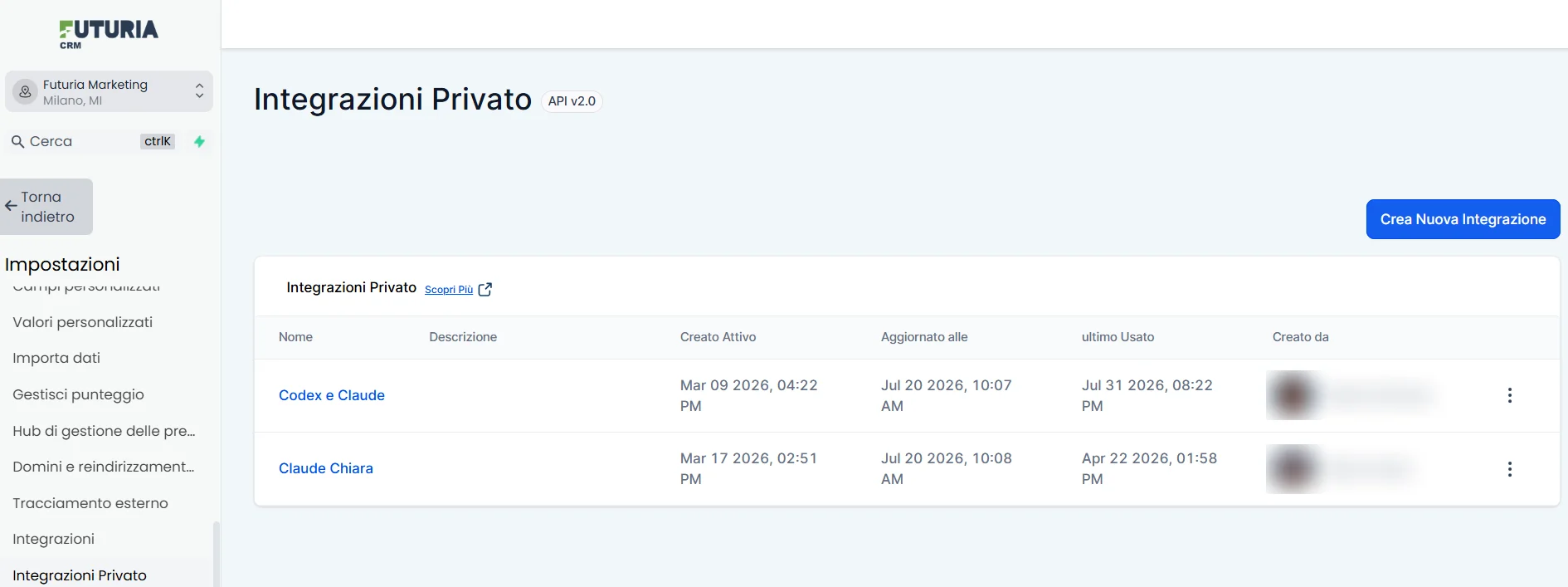
The skill gives the agent the API context and operating rules it needs from the first request.

The Futuria skill includes the CRM conventions: which endpoint to call, how to call it and which permissions to request.
You do not need to explain the CRM in every conversation. The agent starts with the relevant operational context.
Describe the workflow you need and the agent can prepare the calls, handle webhooks and verify the result.
Each integration accesses only what it needs. You retain control over keys and permissions.
Every connected system has its own key, so access can be identified and revoked independently.
Grant access only to the data the integration needs and revoke that access when necessary.
Integration activity is logged so your team can investigate what happened and when.