



Table of contents
New: smart countdown timers with Email AI
Email AI in Futuria CRM can now recognise when an email would benefit from a countdown timer and guides users through adding one while they create a template or update a layout.
How does it work?
The artificial intelligence detects urgent emails, such as those for flash sales, product launches, webinars and expiring offers. It suggests inserting a timer only when it is relevant to a deadline, or if the user explicitly asks for one.
You can now:
- Select an existing timer.
- Create a new timer.
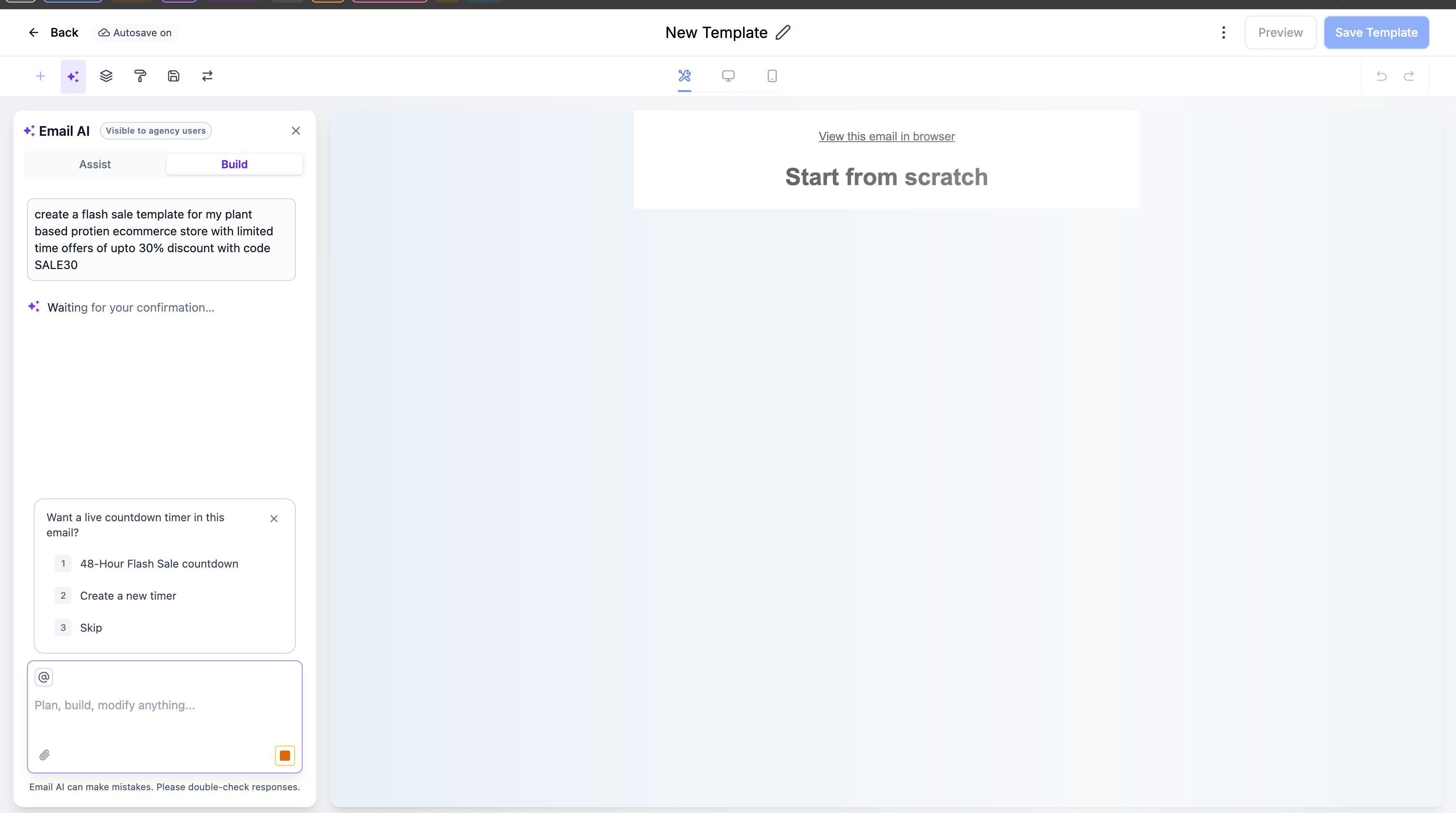
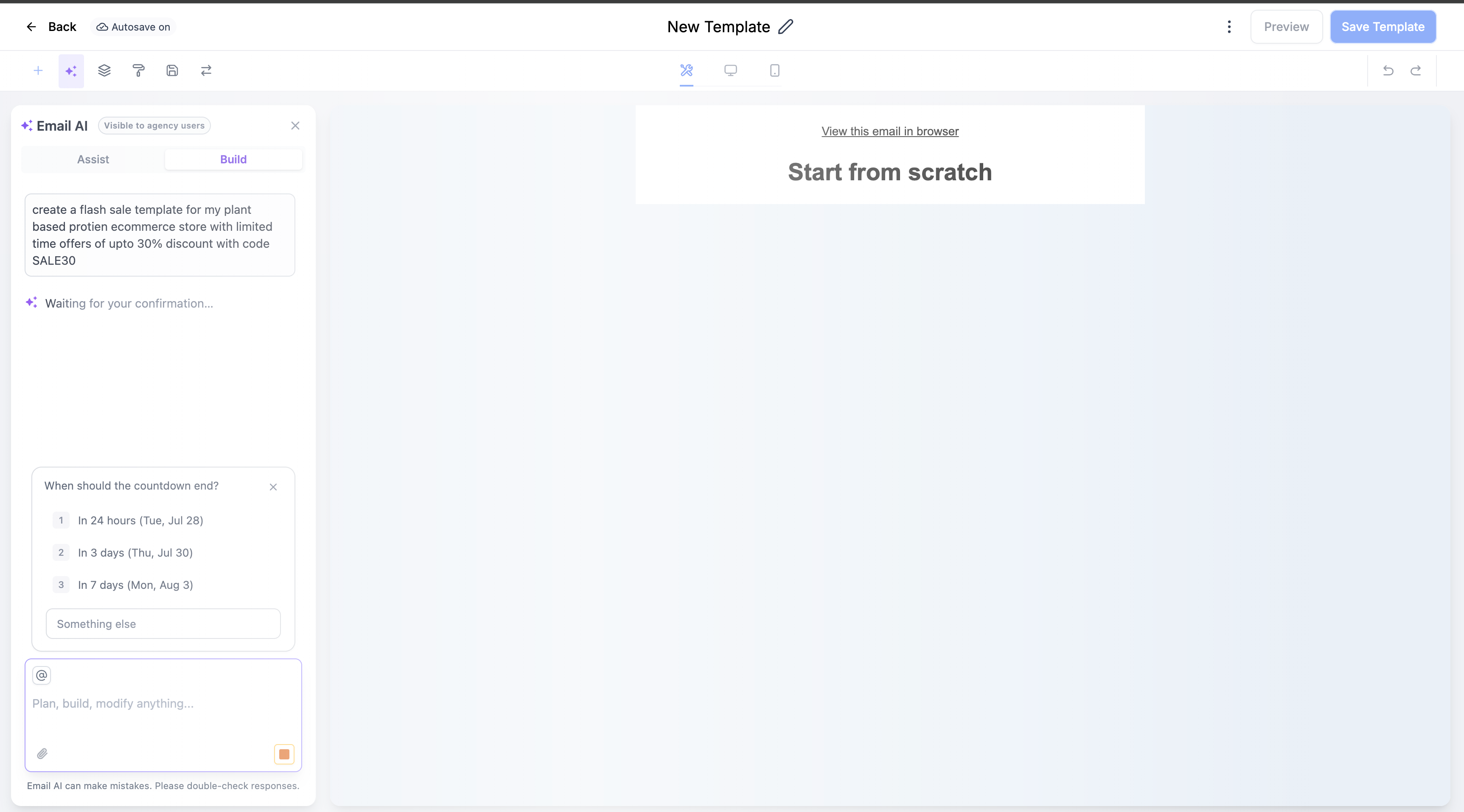
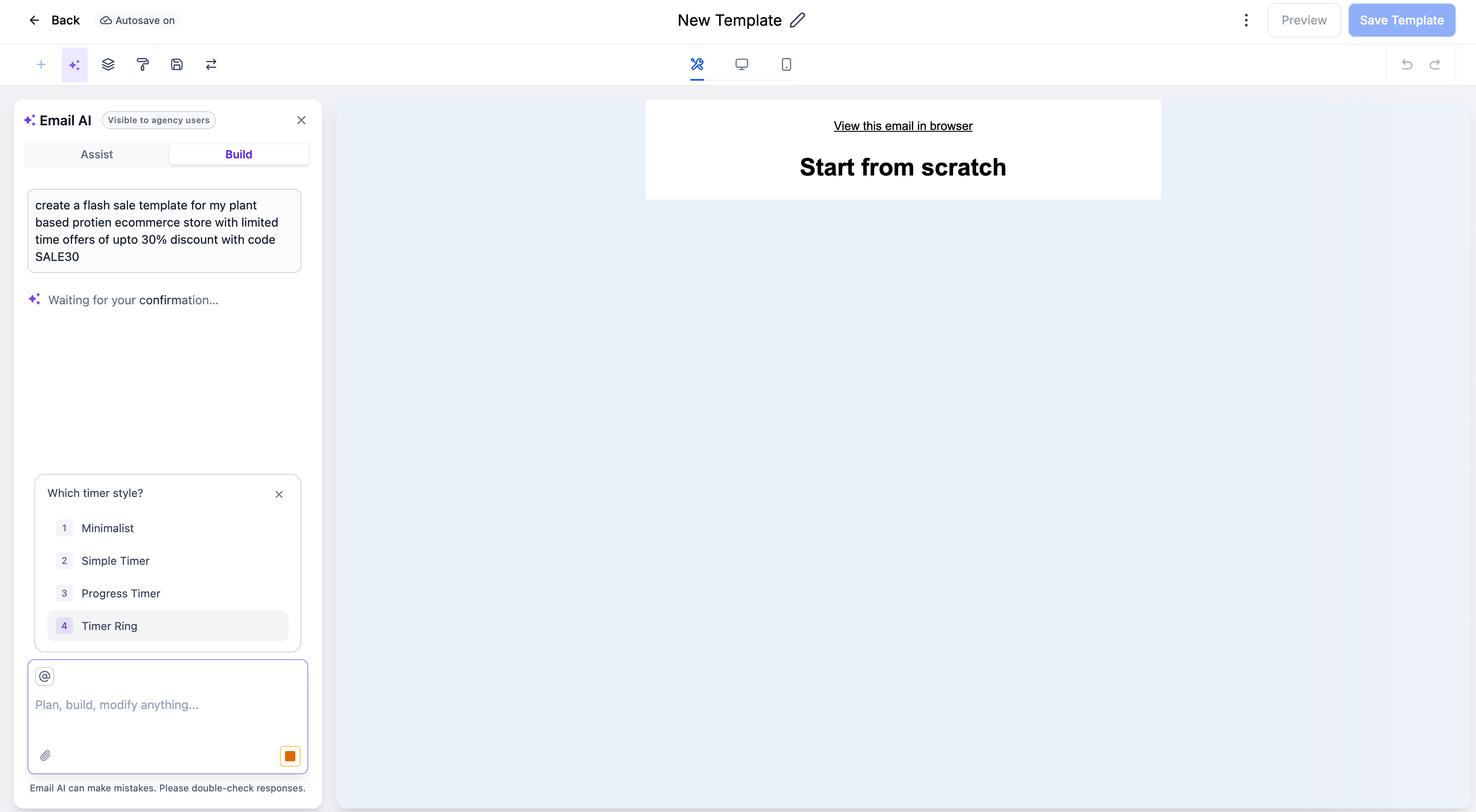
When you create a new timer, the system asks you to enter the expiry date, the style and the destination link.
The selected timer is then embedded directly in the generated email. We have also built in fallback behaviour for cases where the timer suggestion is ignored or expires.
What are the benefits?
- Simplifies the creation of time-limited campaigns.
- Helps add a sense of urgency without configuring timer elements by hand.
- Lets you reuse existing timers when they are available, saving time.
- Avoids interrupting your workflow with irrelevant suggestions.
- Produces more contextual, more effective promotional emails.


