


Table of contents
- Turn every call into action with custom outcomes from the mobile app
- What changes for you in practice?
- The main new features
- A practical example: the estate agency “Casa Futura”
- How to start using this feature
- An important note for mobile use
Turn every call into action with custom outcomes from the mobile app
How many times have you finished an important call while out of the office and thought: “I must remember to update the CRM as soon as I'm back at my desk”? That “later” often turns into forgotten details, missed follow-ups and lost opportunities.
From today, that belongs to the past. We are delighted to introduce custom call outcomes directly in the Futuria CRM mobile app. You can now turn every conversation into concrete action the moment you hang up.
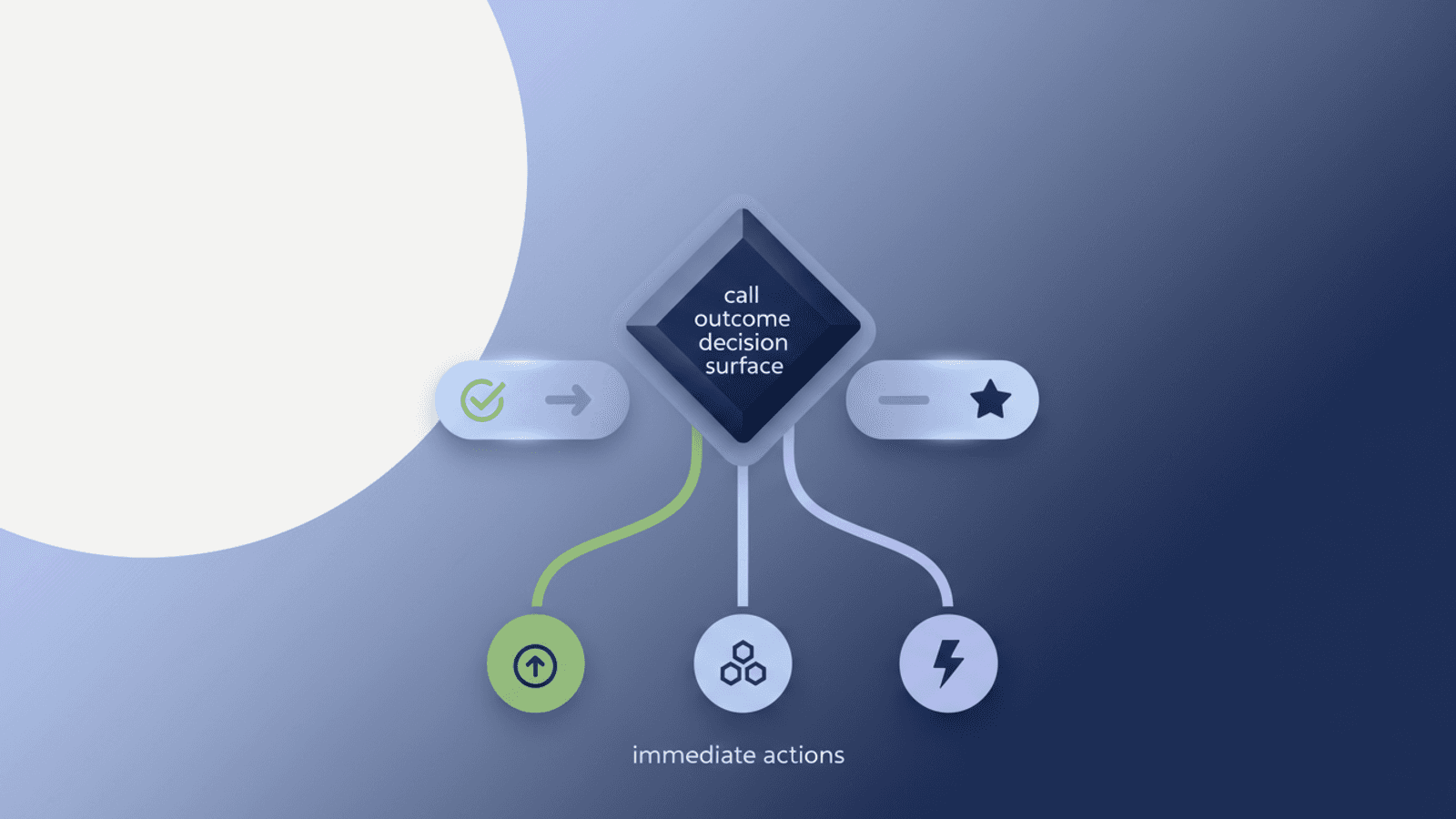
This new feature lets you categorise the outcome of every call with a single tap, triggering workflows, updating your reports and keeping your team aligned, on both iOS and Android.
What changes for you in practice?
Until now, handling calls on the move was a fragmented process. You had to make mental or written notes and wait until you were back at the computer to update the contact record, create a task or move an opportunity along the sales pipeline. That delay created friction that could cool down a promising lead.
Today, efficiency is right there in your hand. As soon as you finish a call, a list of predefined outcomes appears on your smartphone screen. You select the right one and Futuria CRM automation does the rest, instantly.
The main new features
- Immediate selection at the end of the call: Choose an outcome directly from the end-of-call screen. No extra steps, no waiting.
- One outcome per call: Assign a single definitive result (for example “To call back”, “Qualified”, “Not interested”) to keep your data clean and your strategy consistent.
- Full integration with workflows: Use the new “Custom Call Outcome” filter in workflows to trigger immediate automations such as sending a follow-up, creating a task or updating your sales pipelines.
A practical example: the estate agency “Casa Futura”
Picture an estate agent, Marco, who uses Futuria CRM. While he is out at an appointment, he receives a call from a new contact interested in a property.
During the conversation, Marco realises the customer is highly qualified and wants to arrange a viewing. As soon as he hangs up, the list of outcomes appears on his smartphone screen. Marco selects “Qualified customer - arrange viewing”.
What happens instantly?
- The contact is automatically tagged as “Hot lead”.
- A task is created in the office calendar to “Contact and arrange a viewing for [Customer Name]”.
- The customer receives an automatic SMS that reads: “Thank you for your call! One of our team will be in touch shortly to arrange the property viewing. - Casa Futura Agency”.
All of this with a single tap, before Marco has even put his phone back in his pocket. No risk of forgetting, and maximum professionalism as perceived by the customer.
How to start using this feature
It could not be simpler. After making or receiving a call through the Futuria CRM app:
- On the end-of-call screen, you will see the list of outcomes you previously configured in the web version of Futuria CRM.
- Choose the outcome that best describes the conversation.
- The outcome is saved and, if it is linked to a workflow, the automation is triggered.
An important note for mobile use
To work correctly, the account selected in your app must match the one the call was made from or received on. If you manage several accounts from the same app and receive a call on an account other than the one currently selected, you will see a notice. Simply tap “Switch” to move to the correct account and apply the outcome.
Update your Futuria CRM app now and start turning every call into an opportunity for growth, wherever you are.


