Table of contents
Link community membership questions to your CRM custom fields
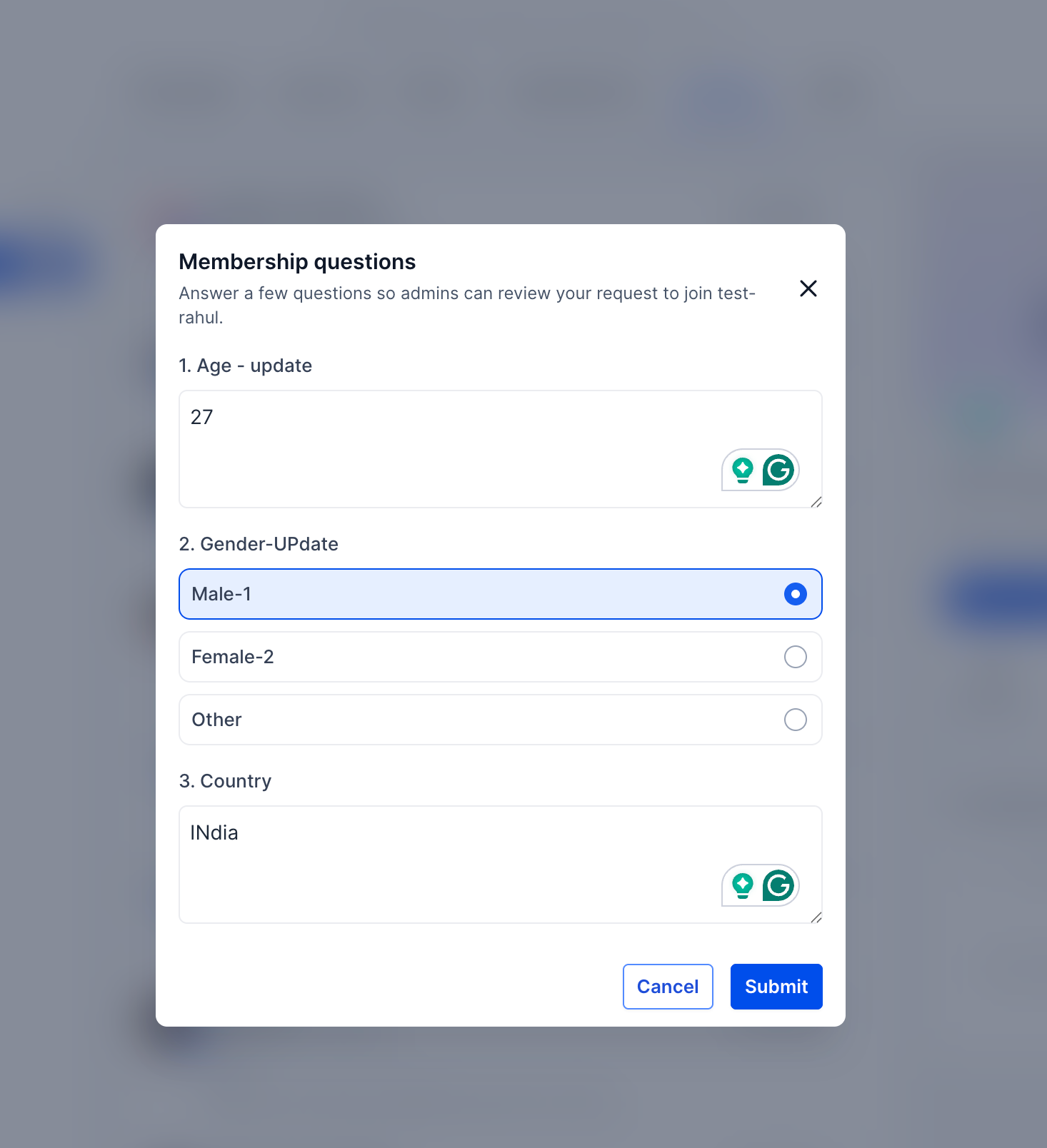
From today you can link community membership questions directly to Futuria CRM custom fields. When a user joins and answers them, their replies are synced automatically into the matching contact record.
This lets you capture important information during sign-up and use it straight away in your workflows and automations, with no manual effort at all.
Why it matters
Answers to membership questions are now synced automatically with your CRM custom fields. This lets you trigger automatic approvals, start workflows and keep contact data permanently up to date, without entering the information by hand.
How it works
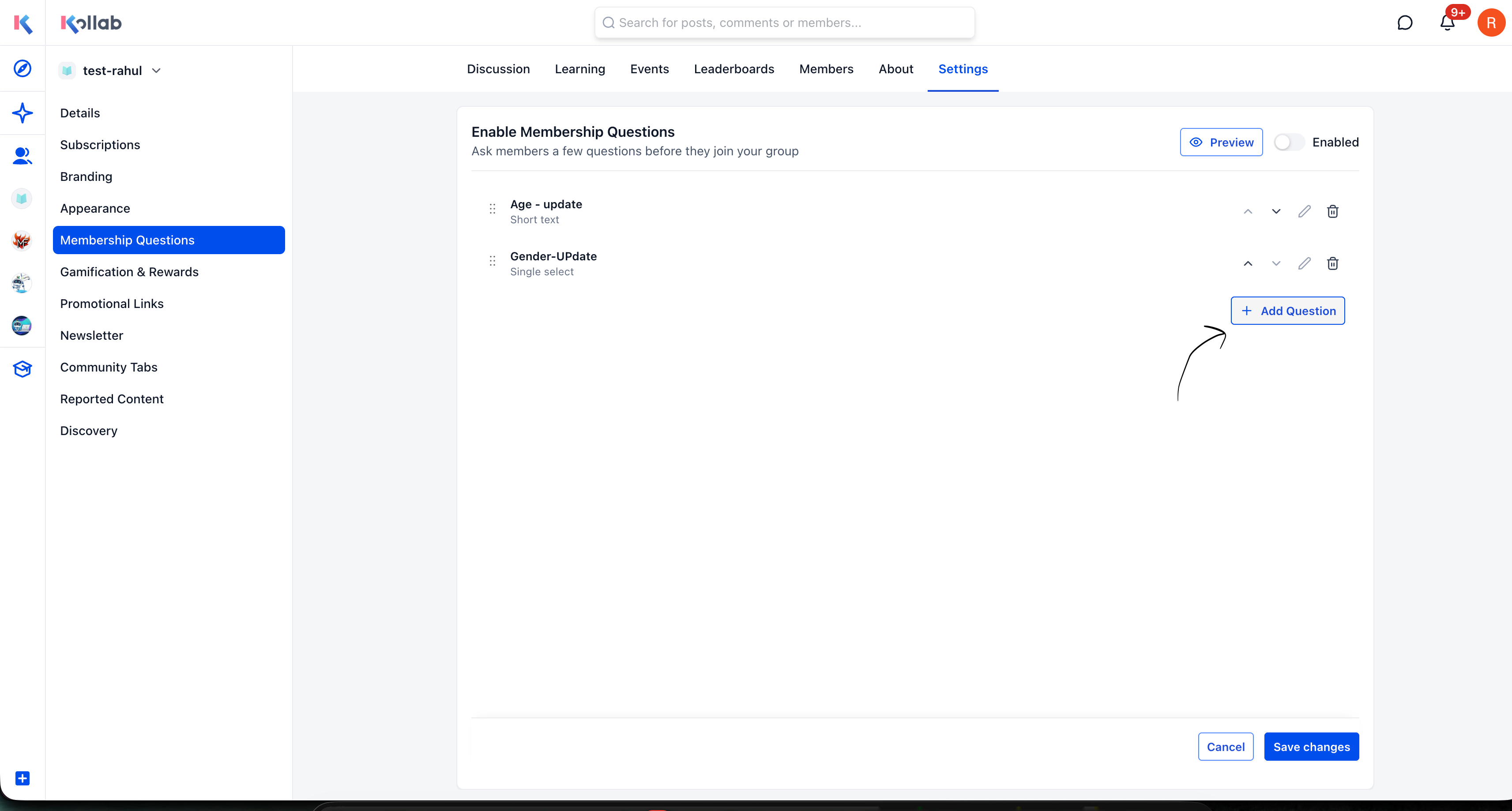
Go to Community Settings → Membership questions.
- Click Add question.
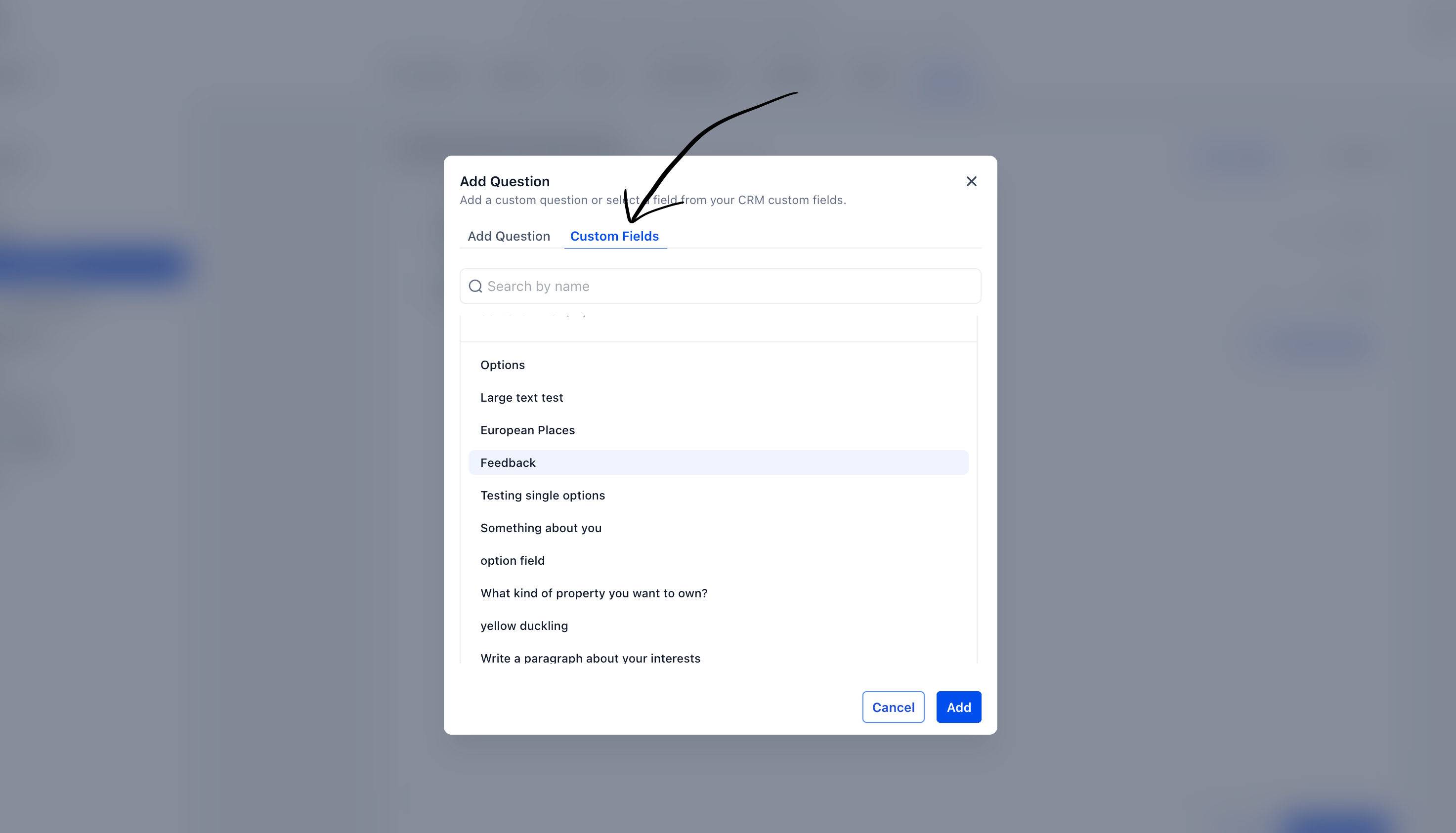
- Select the Custom fields tab.
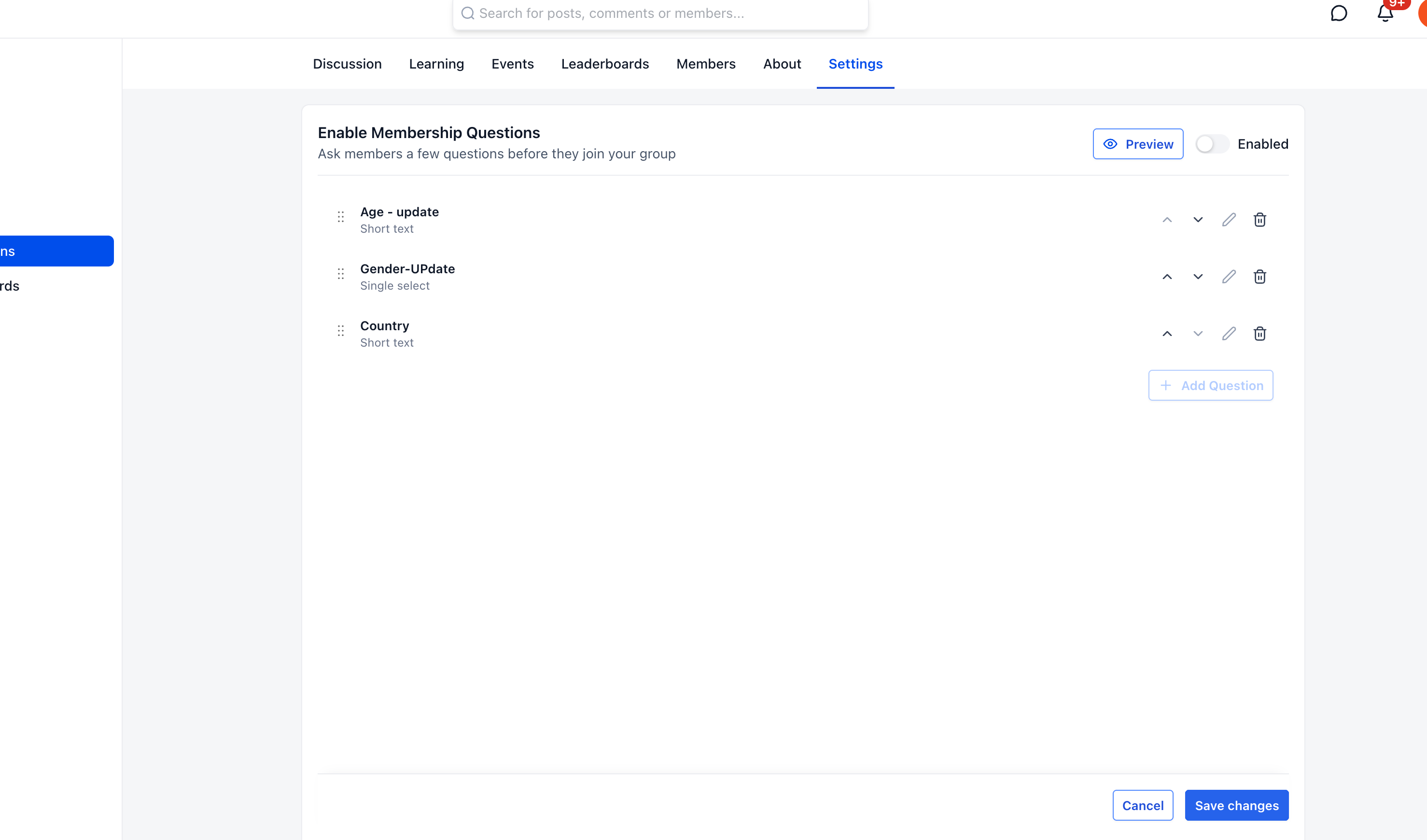
- Choose the CRM custom field you want to use.
- Click Save.
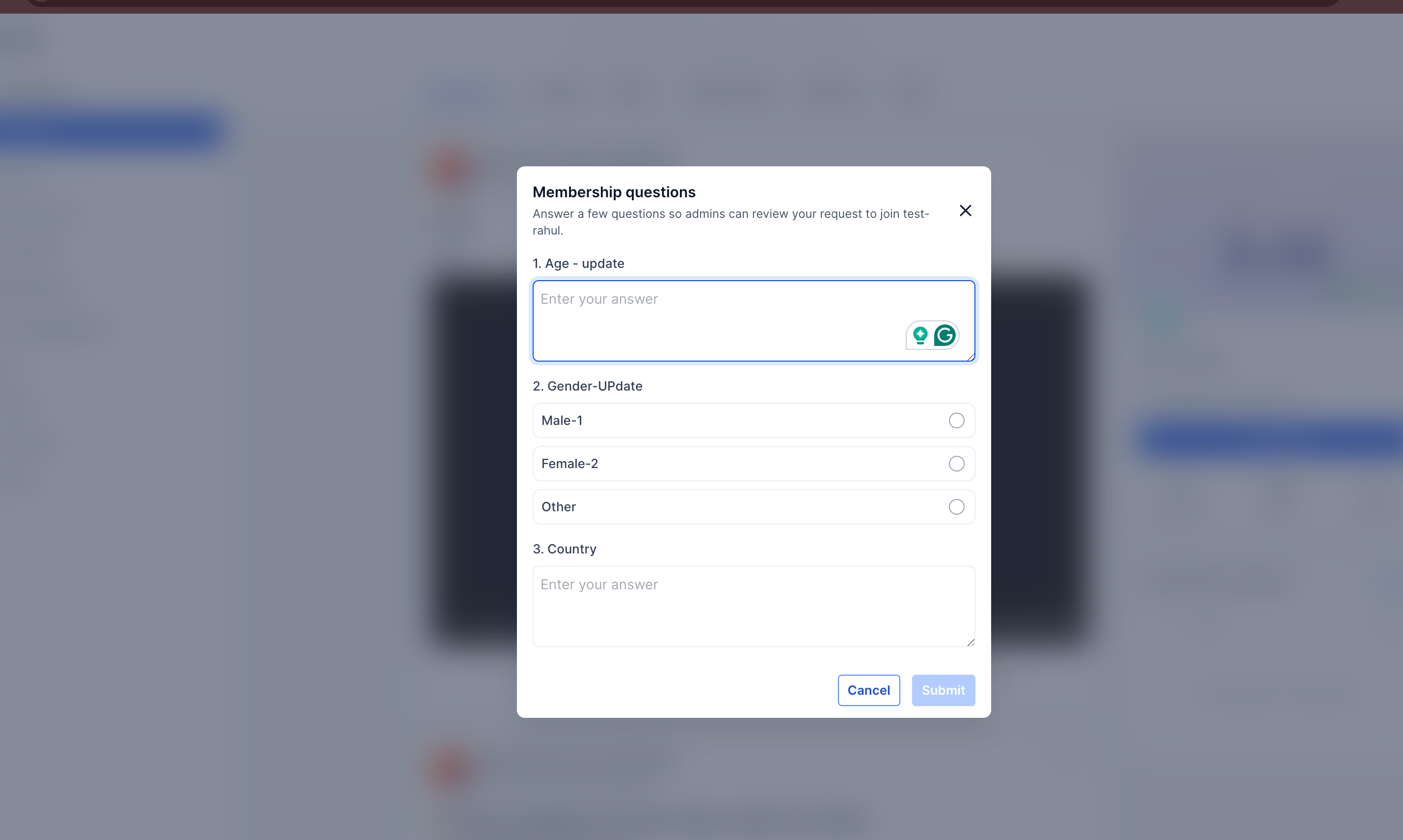
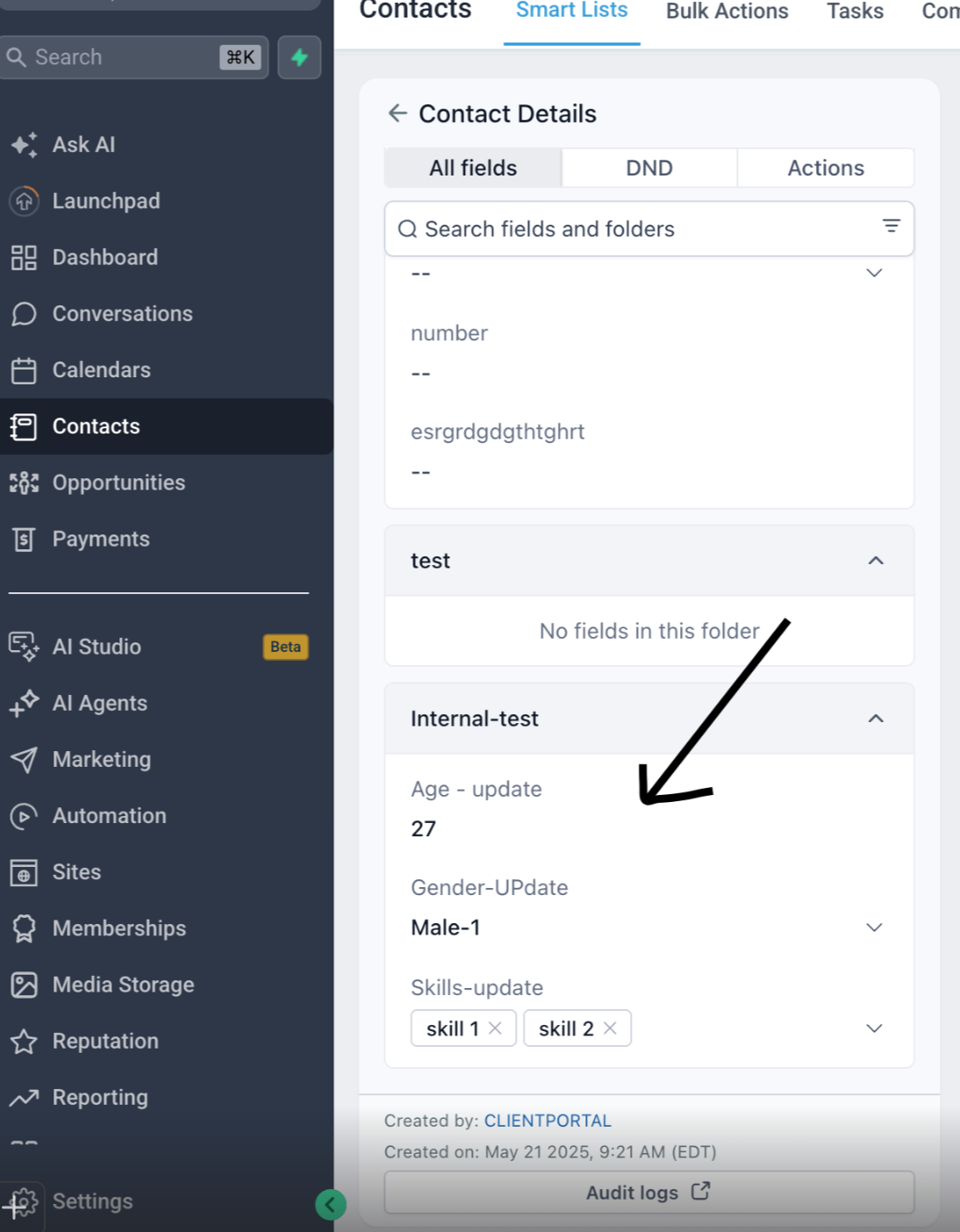
Once a member submits their answers during the sign-up process, the linked CRM custom fields are updated automatically. You can view the submitted answers in the Contact details section, inside the folder of the custom field you selected.