



Table of contents
- Tasks V2: the smarter way to get your work done
- The challenge
- Our solution
- What's new in Tasks V2
- How to get started
- What's coming next?
Tasks V2: the smarter way to get your work done
We have rebuilt the task manager in the Futuria CRM mobile app from the ground up to make it faster, more efficient and ready for teamwork.
The new Task Manager is a complete overhaul that introduces the features you have been waiting for: recurring tasks, opportunity links, multiple contacts, a board view and a cleaner, smarter interface. It is everything the old version could not do, designed to keep you and your team constantly moving.
The challenge
Your day is a stream of follow-ups, and the old version of Tasks forced you to work too hard. There was no way to repeat a task, you could only associate a single contact, and there was no link to a deal.
You were faced with one long, unstructured list, and you had to open every single task just to see who it was meant for. Important work got lost in the noise and risked slipping away.
Our solution
The new Task Manager V2 solves all of this. You can now set a task to repeat on your own schedule, link it to several contacts and to an opportunity, and see everything you need right on the task card, with no extra clicks.
Switch between List and Board view, watch your day organise itself into clear sections, and track your progress as you go.
What's new in Tasks V2
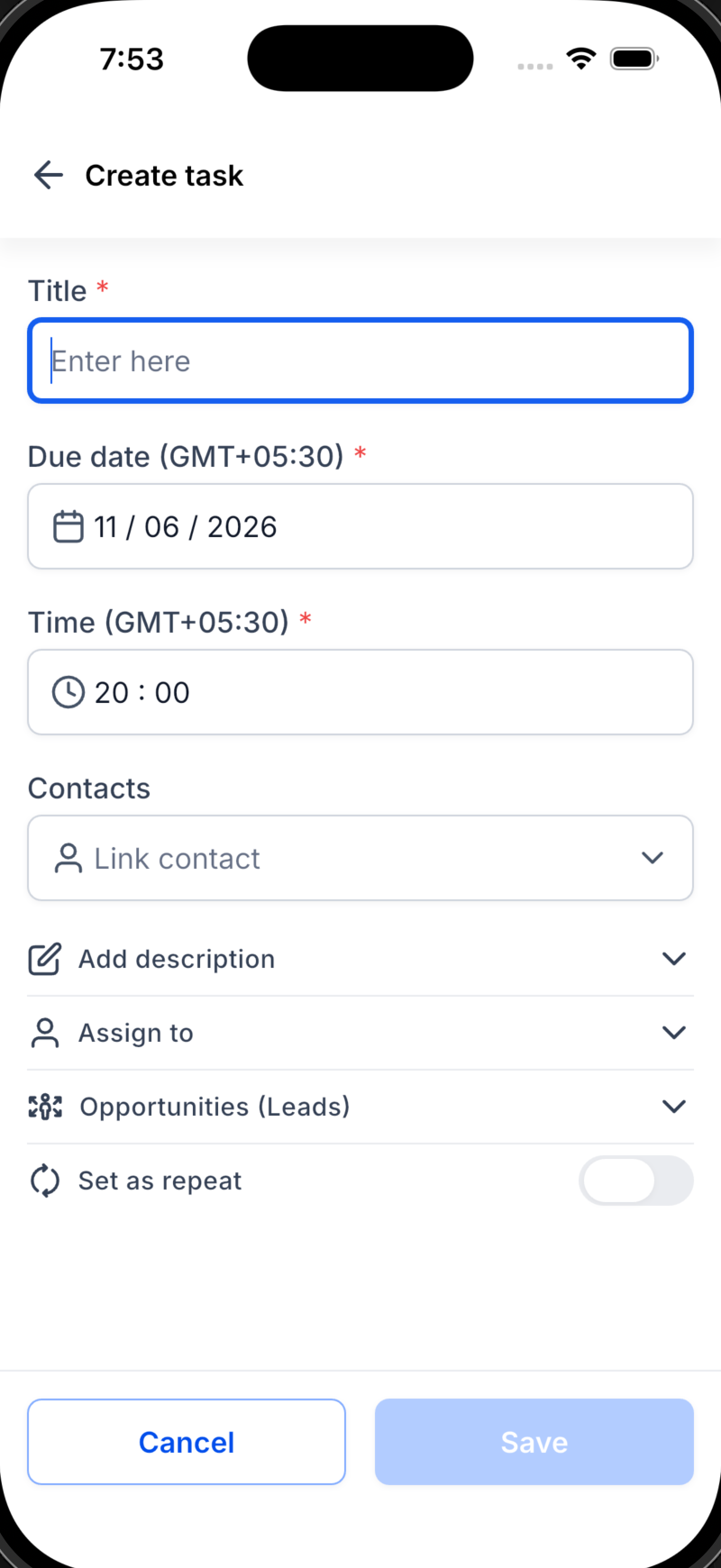
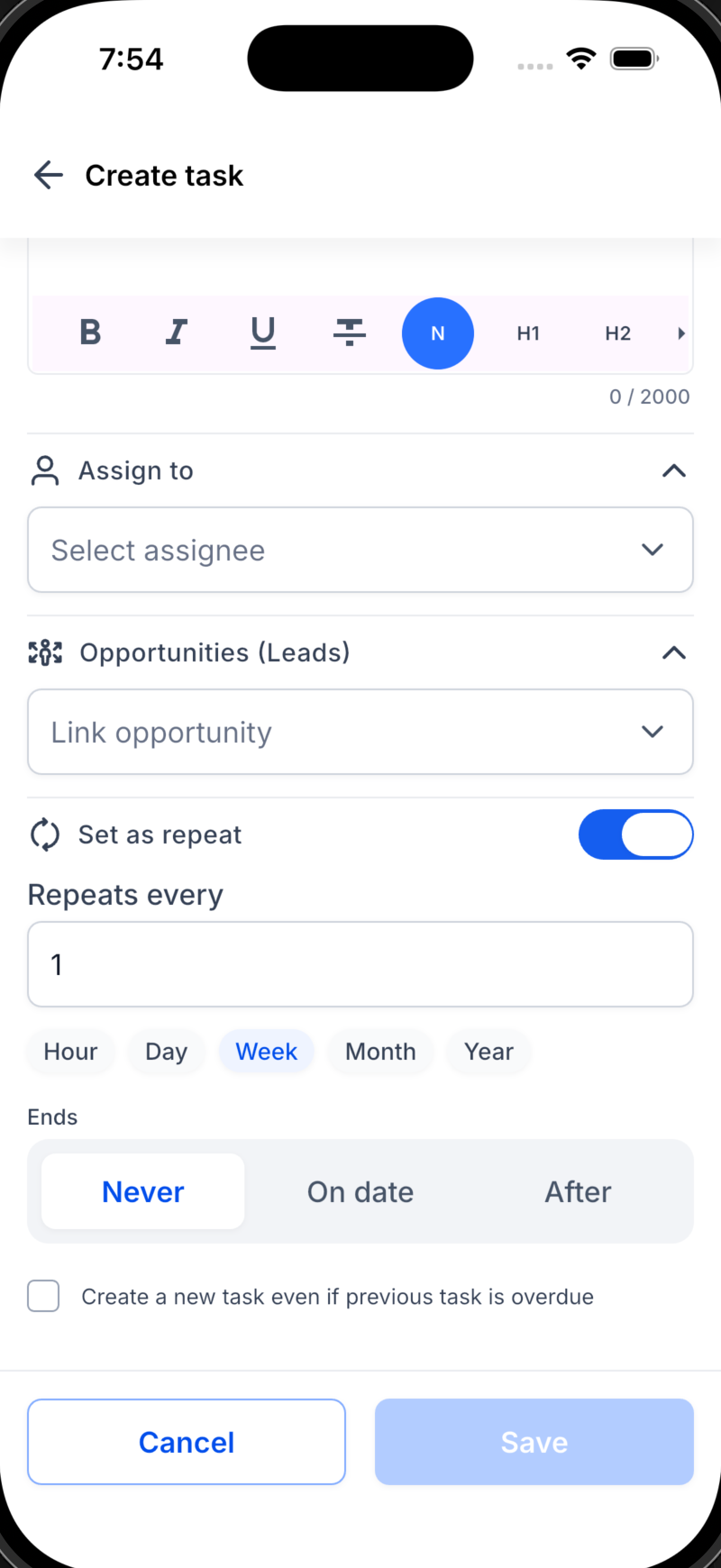
🔁 Recurring tasks (New!): Set a task to repeat every hour, day, week or month, and end it on a specific date or after a set number of times. Routine follow-ups now take care of themselves.
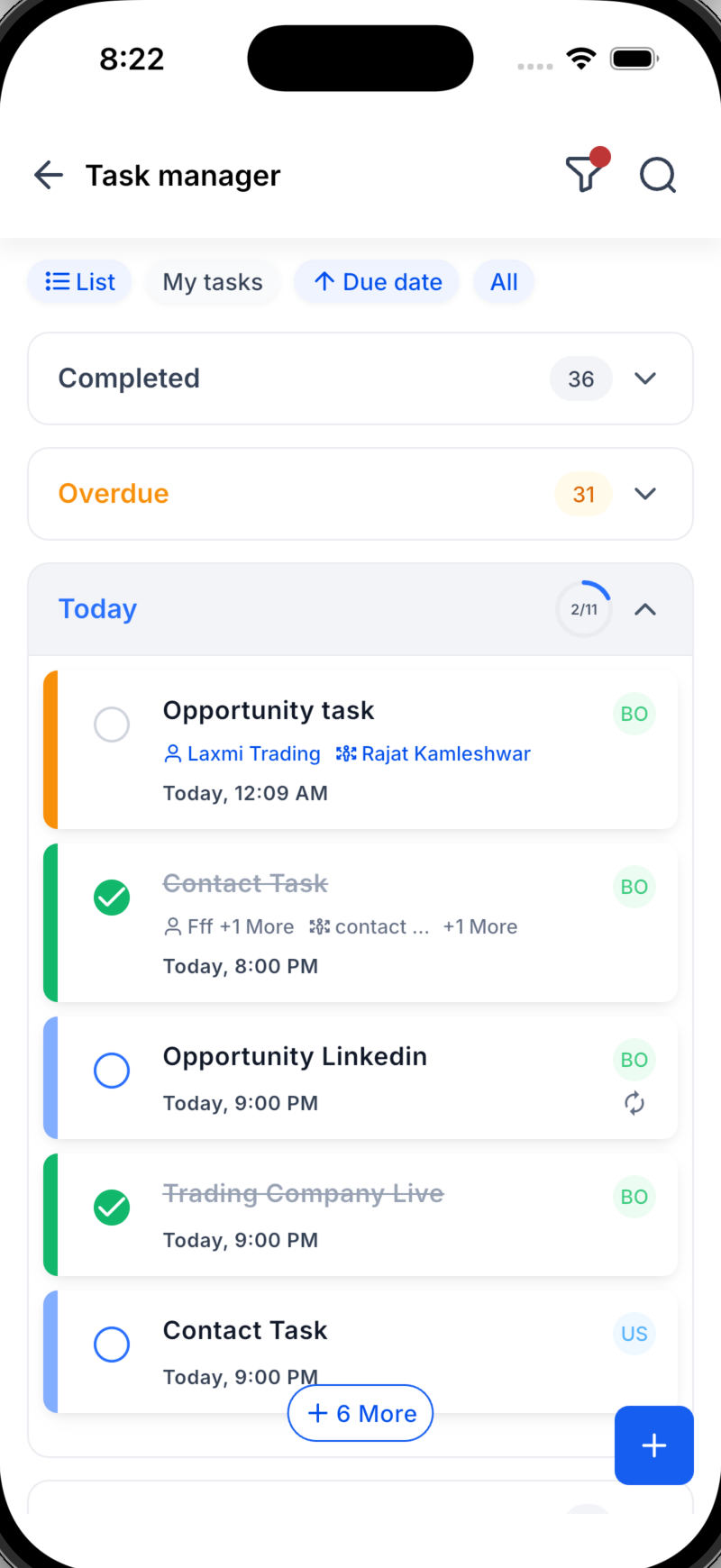
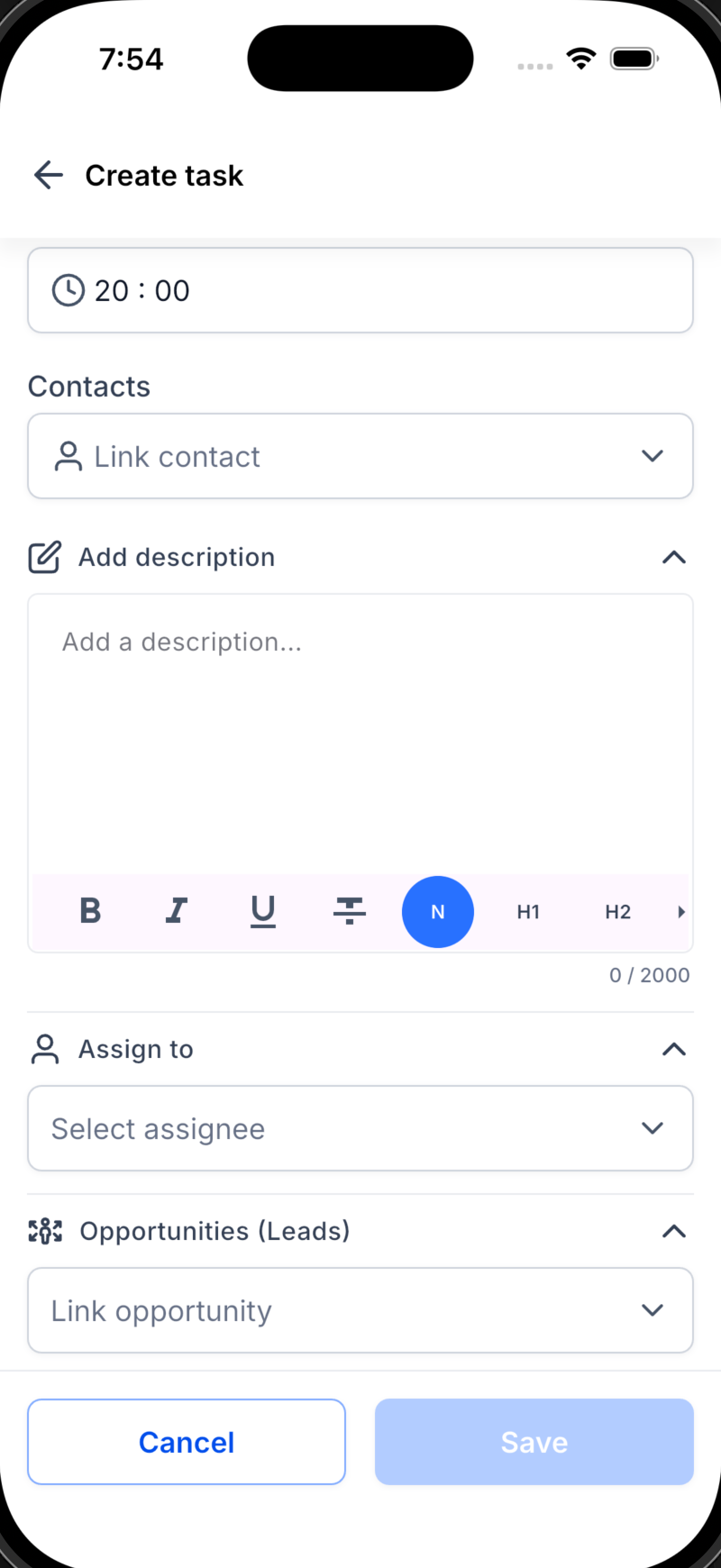
💼 Opportunity links (New!): Link a task to a deal, not just to a contact, so that every follow-up is tied to the revenue it generates.
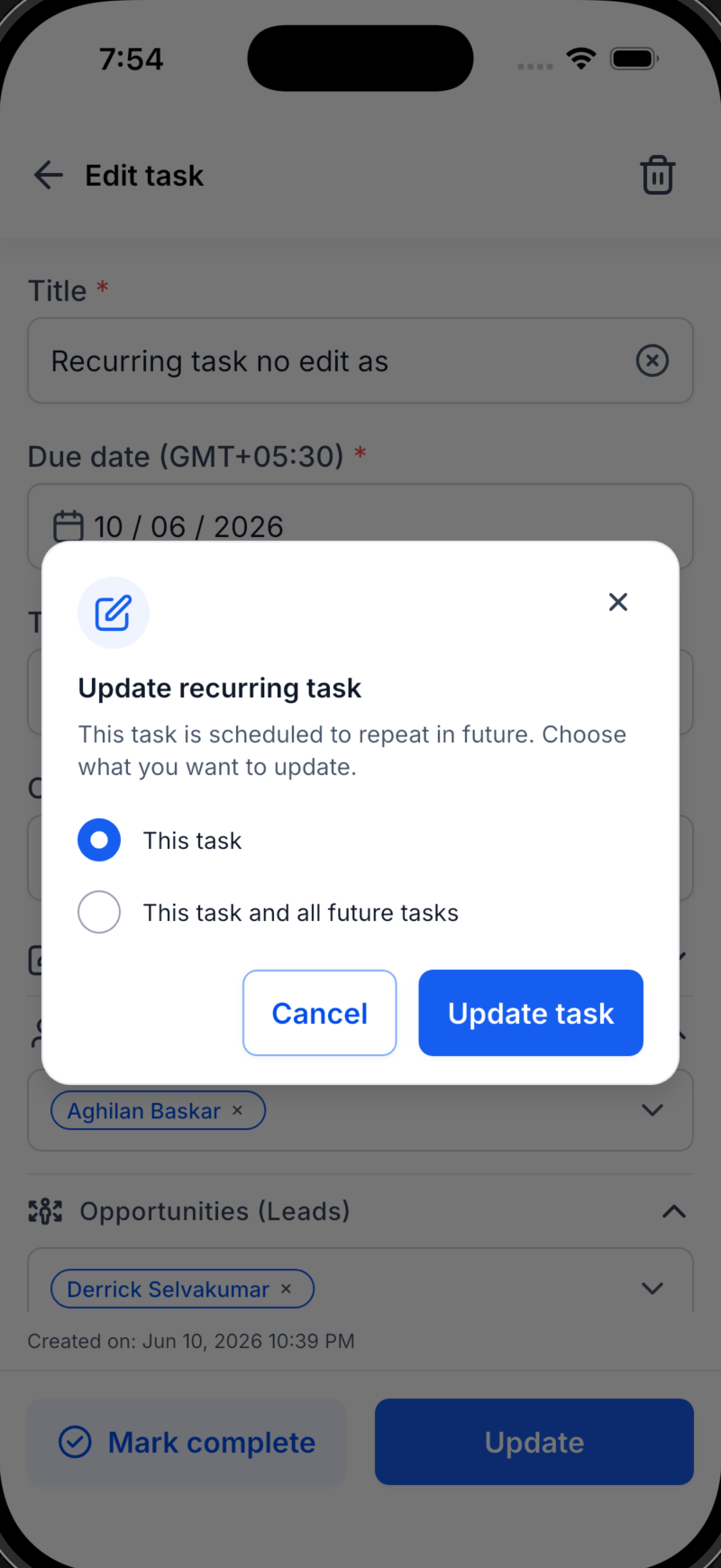
👥 Multiple contacts (New!): Associate several contacts with a single task and say goodbye to duplicates.
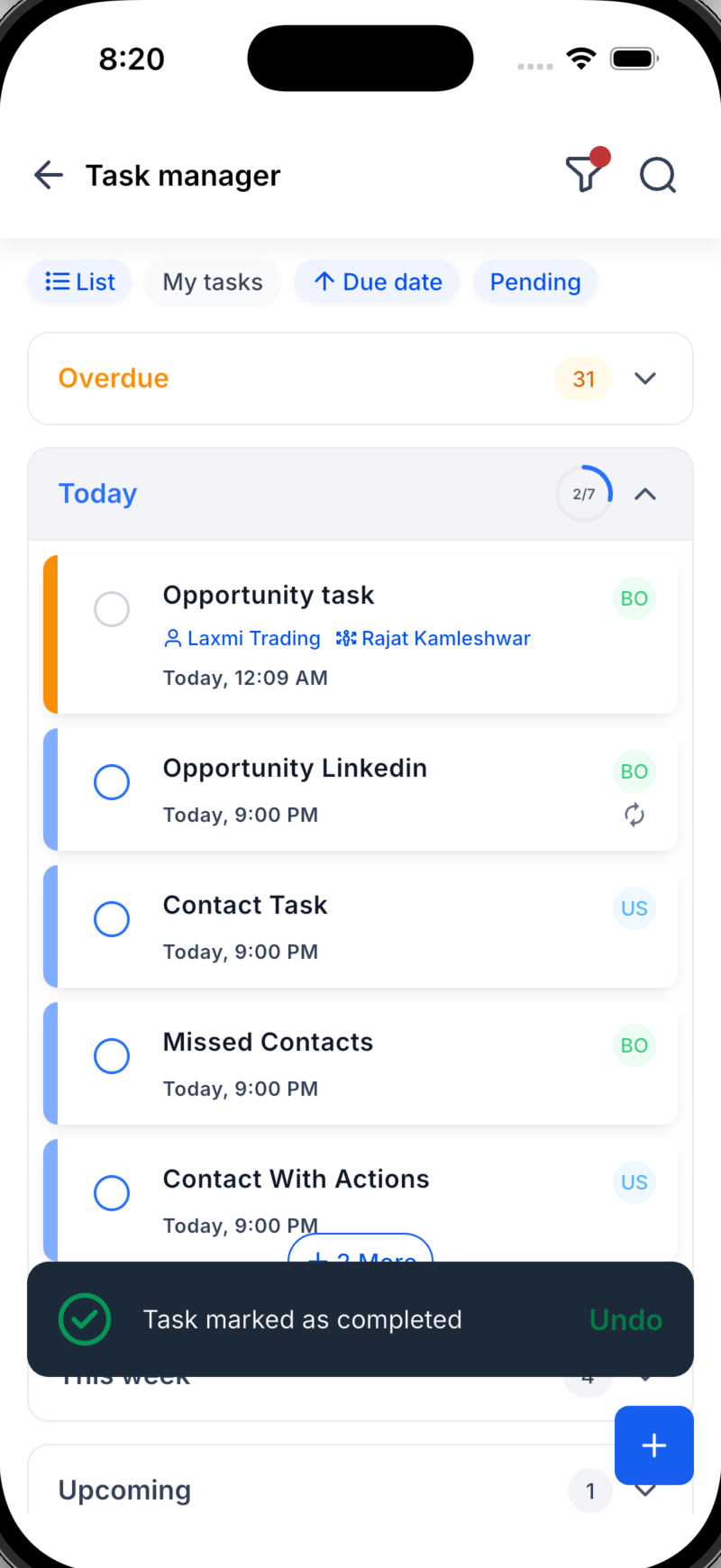
🗂️ List and Board views (New!): See your tasks as a simple list or as a visual board (Kanban style), depending on how you work best.
📊 Daily progress ring (New!): Watch a progress ring fill up as you complete today's tasks. Instant motivation, at a glance.
📋 Organised sections (New!): Tasks are grouped automatically into Overdue, Today, This week and Upcoming, in both List and Board view, so nothing hides at the bottom of the list.
✨ More information at a glance (New!): The task card now shows the linked contact and opportunity directly, so you no longer need to open it to see the details.
🎨 A new, faster experience: A cleaner, more intuitive user interface (UI/UX) makes creating, finding and completing tasks effortless.
How to get started
- Navigate: Open the Tasks tab in your Futuria CRM mobile app.
- Create: Tap the "+" button, add the title, the due date, the contacts and the opportunity, assign a team member, then switch on the Repeat option to make it recurring.
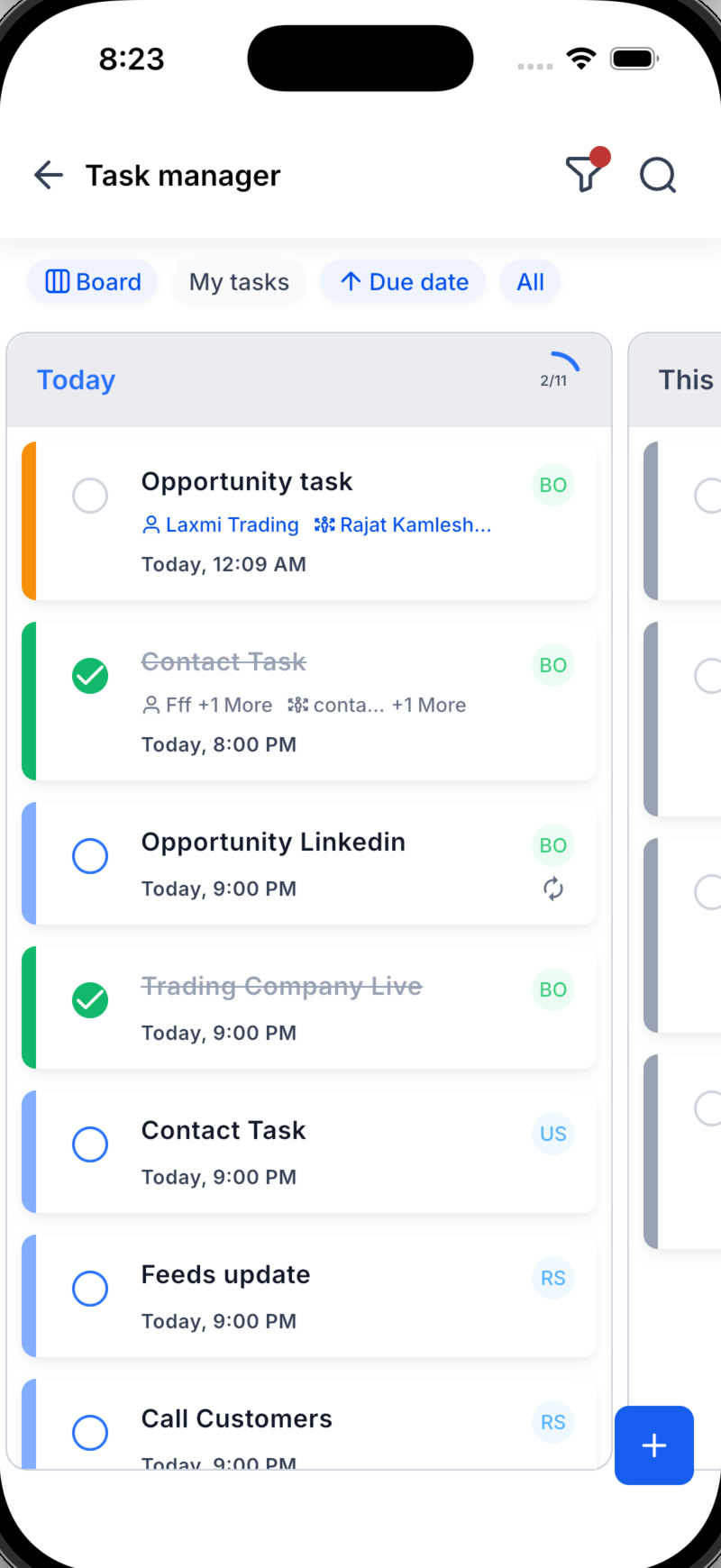
- Work your way: Switch between List and Board view, follow the sections from Overdue to Upcoming, and watch the daily progress ring fill up.
What's coming next?
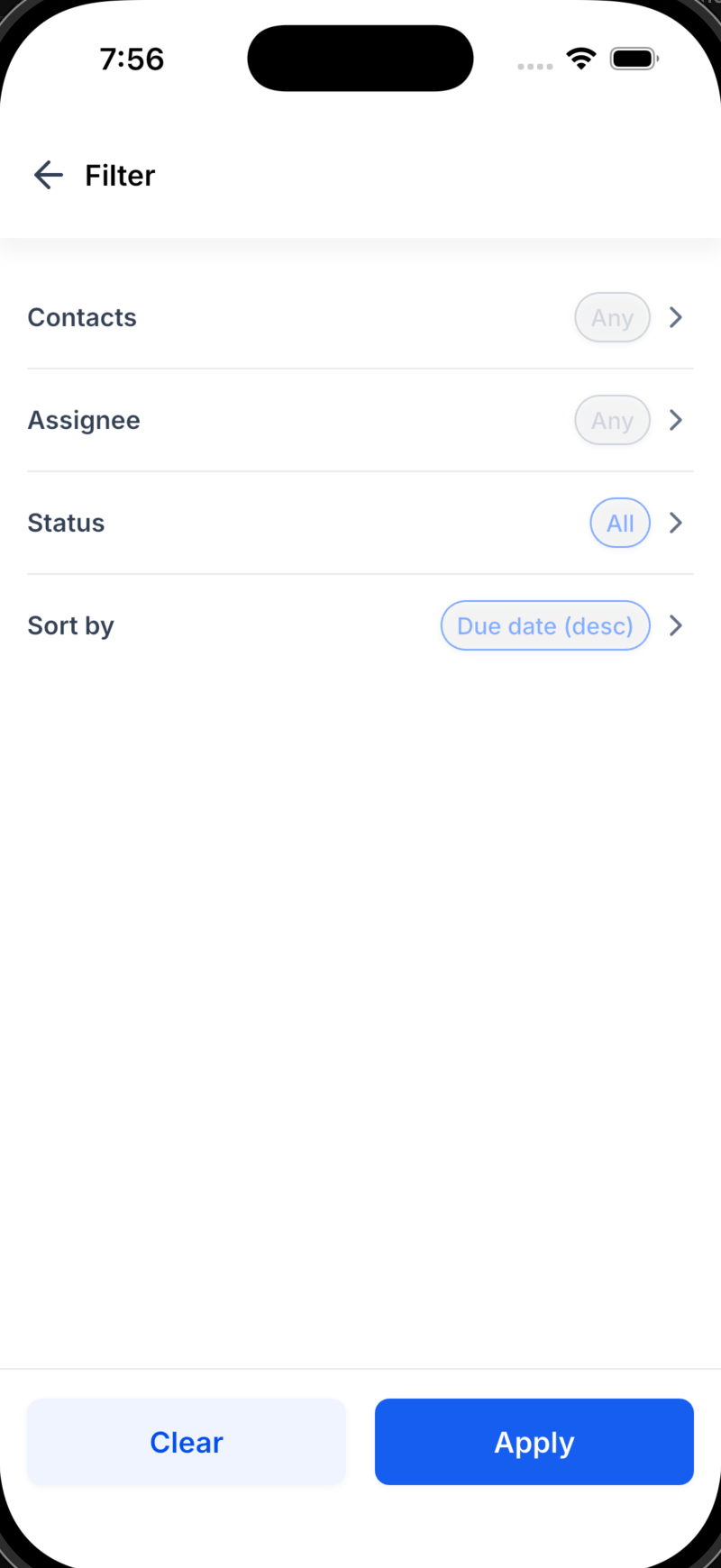
We are working on a dynamic tasks widget for the home page, giving you immediate visibility of your current and pending tasks. Expect richer recurrence options too, more ways to filter and group, and even deeper links between tasks, contacts and opportunities.


