Table of contents
See every opportunity in one place
The sales pipeline drop-down menu now includes the All pipelines option, giving you a single, consolidated view of the opportunities across every pipeline at once.
What changes
The new "All pipelines" option has been added to the sales pipeline drop-down menu. When you select it in List view, the system shows the opportunities from every pipeline in one unified list.
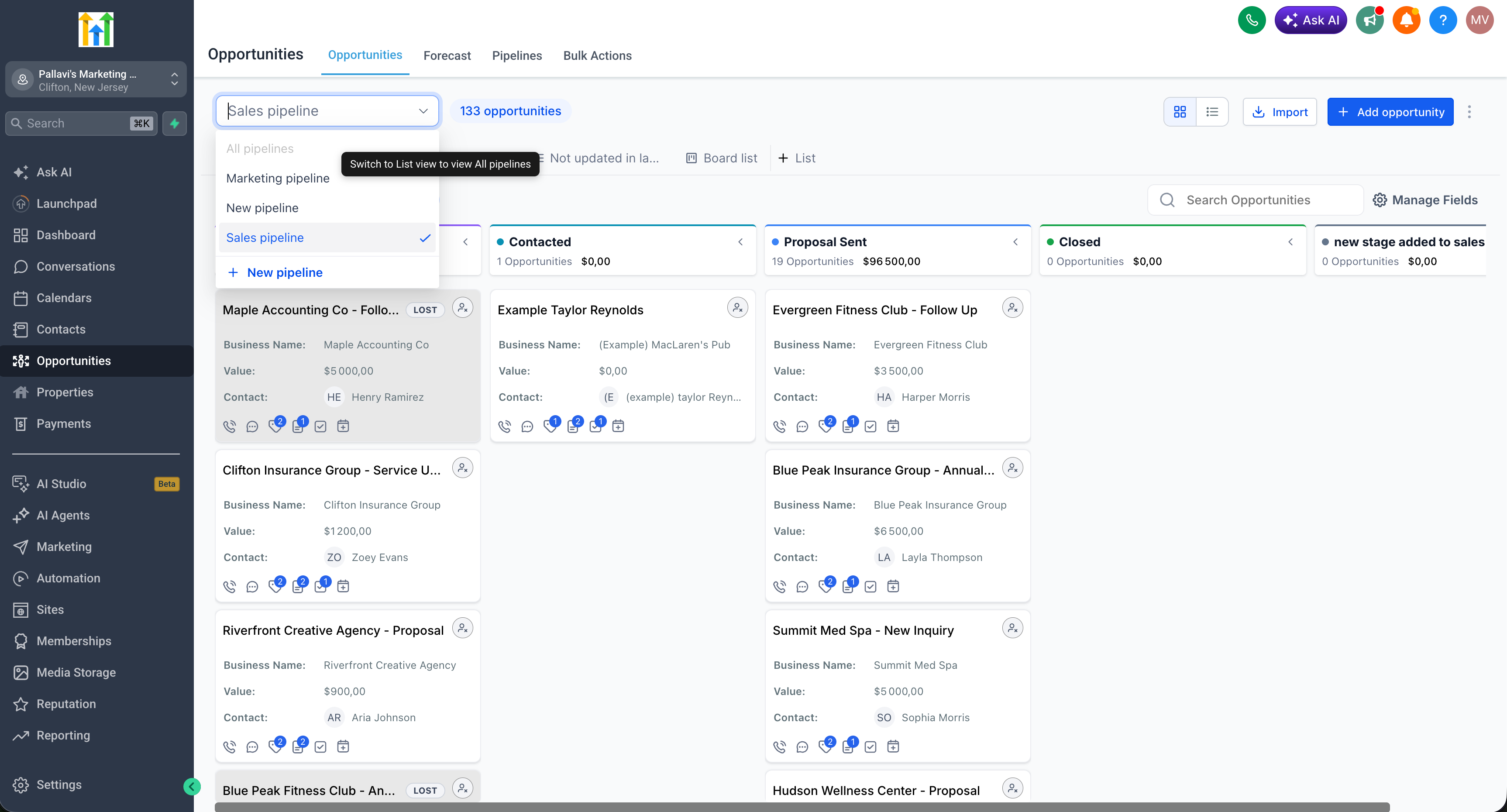
This option is available in List view only and is disabled in Kanban (board) view. Smartlists saved from this view will always be of the List type.
How to use the new feature
- Go to Opportunities.
- Switch to List view.
- Open the Pipelines drop-down menu and select All pipelines.
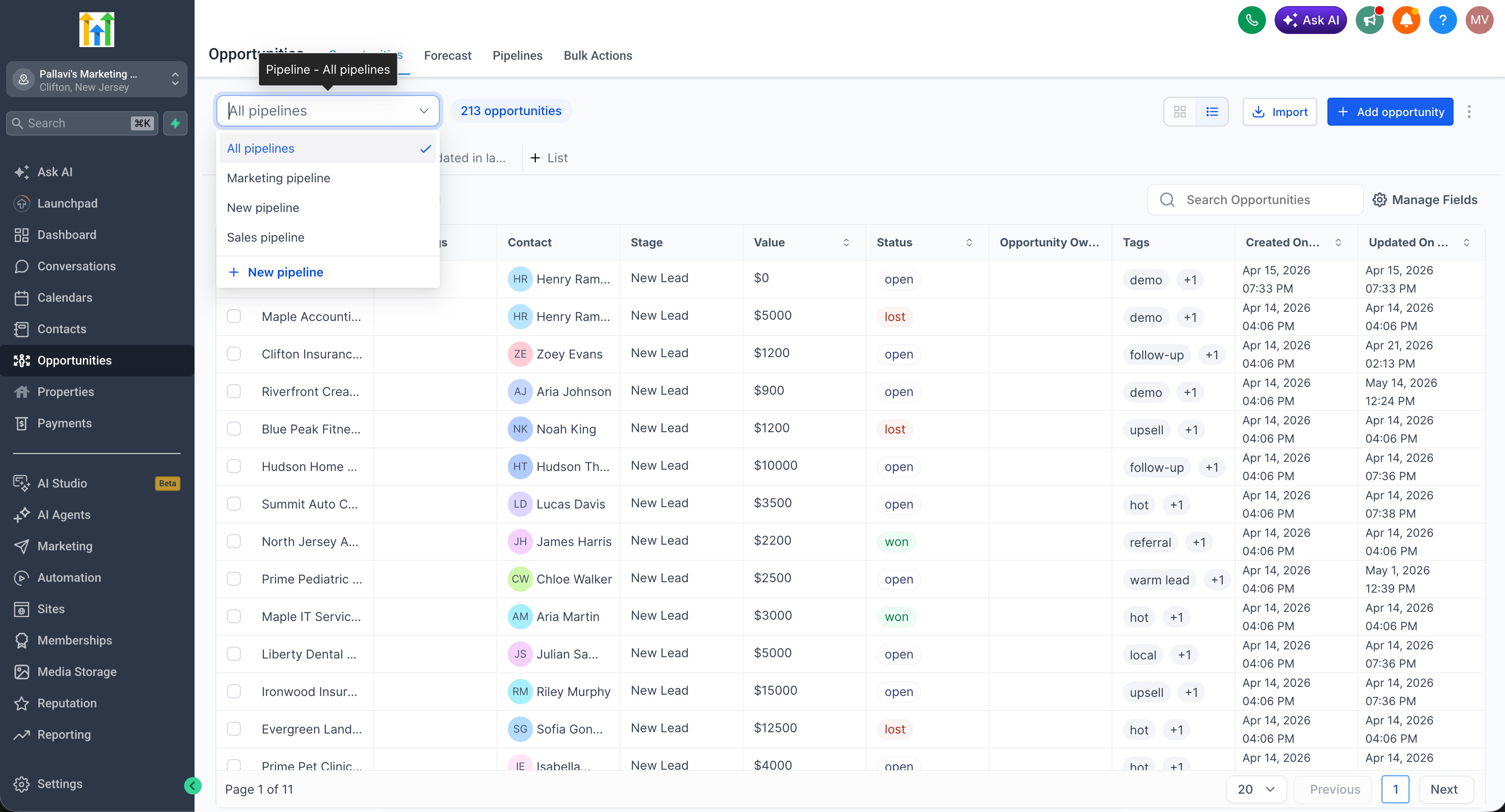
You can now scroll through the opportunities from every sales pipeline in a single place.
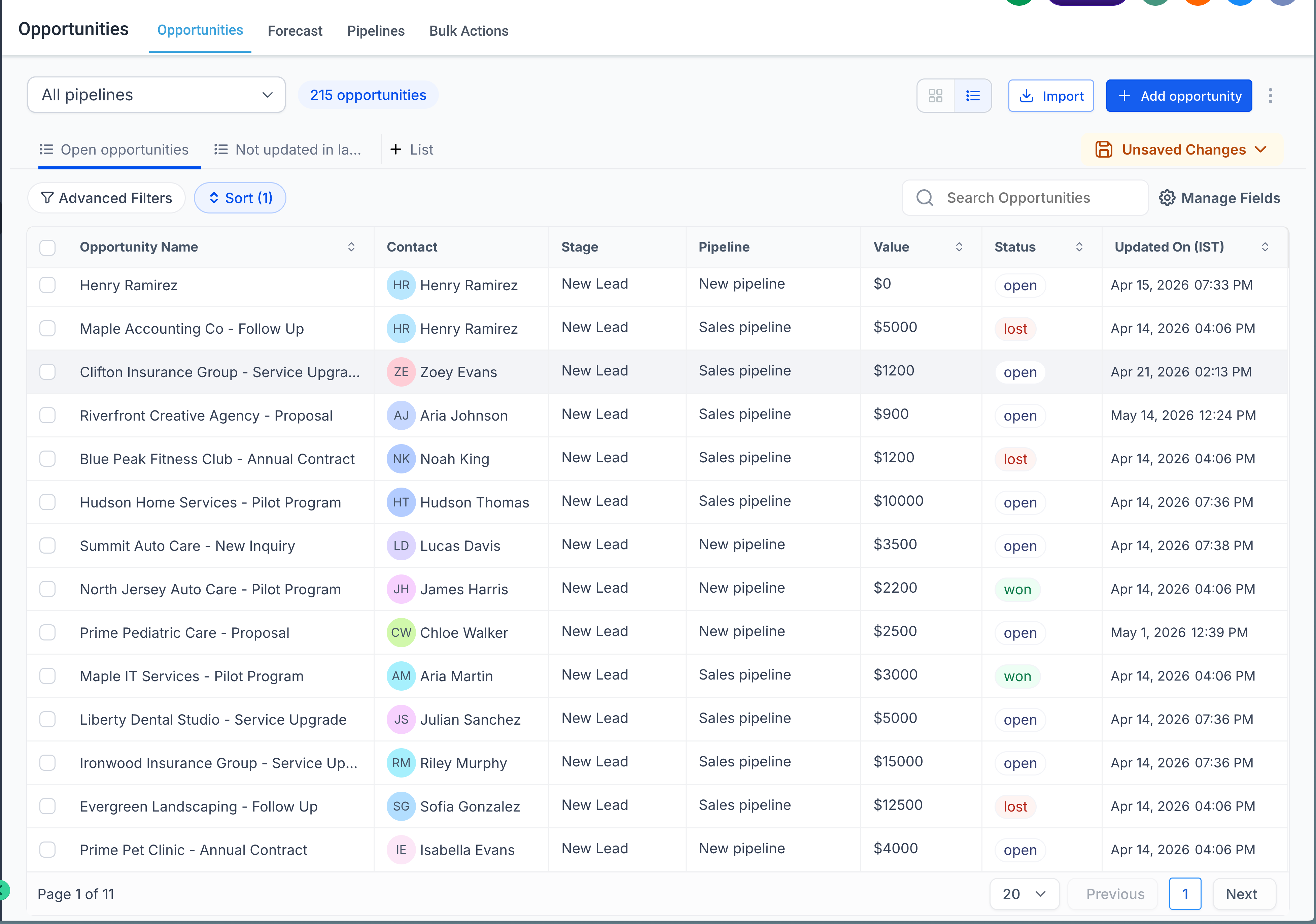
If you wish, you can save the view as a Smartlist (List type only).
Note: the "All pipelines" option is disabled in Kanban view. To enable it, you need to switch to List view. Smartlists created from this view are always of the List type, because Kanban view is not supported.