


Table of contents
- Simplify your WhatsApp templates with the built-in media library
- How the new process works
- The concrete benefits for your business
- A practical example: the estate agency
- Supported file types for headers
Simplify your WhatsApp templates with the built-in media library
We have released an update that completely changes the way you handle media in your WhatsApp templates. Say goodbye to repetitive uploads and endless hunting for the right file: from today, the Futuria CRM media library is built straight into the template creation process.
Until yesterday, every time you created or edited a WhatsApp template with an image, a video or a document, you had to upload the file from your computer. That seemingly simple process could easily become an obstacle: duplicate files, outdated versions and a considerable waste of time. Today, all of that belongs to the past.
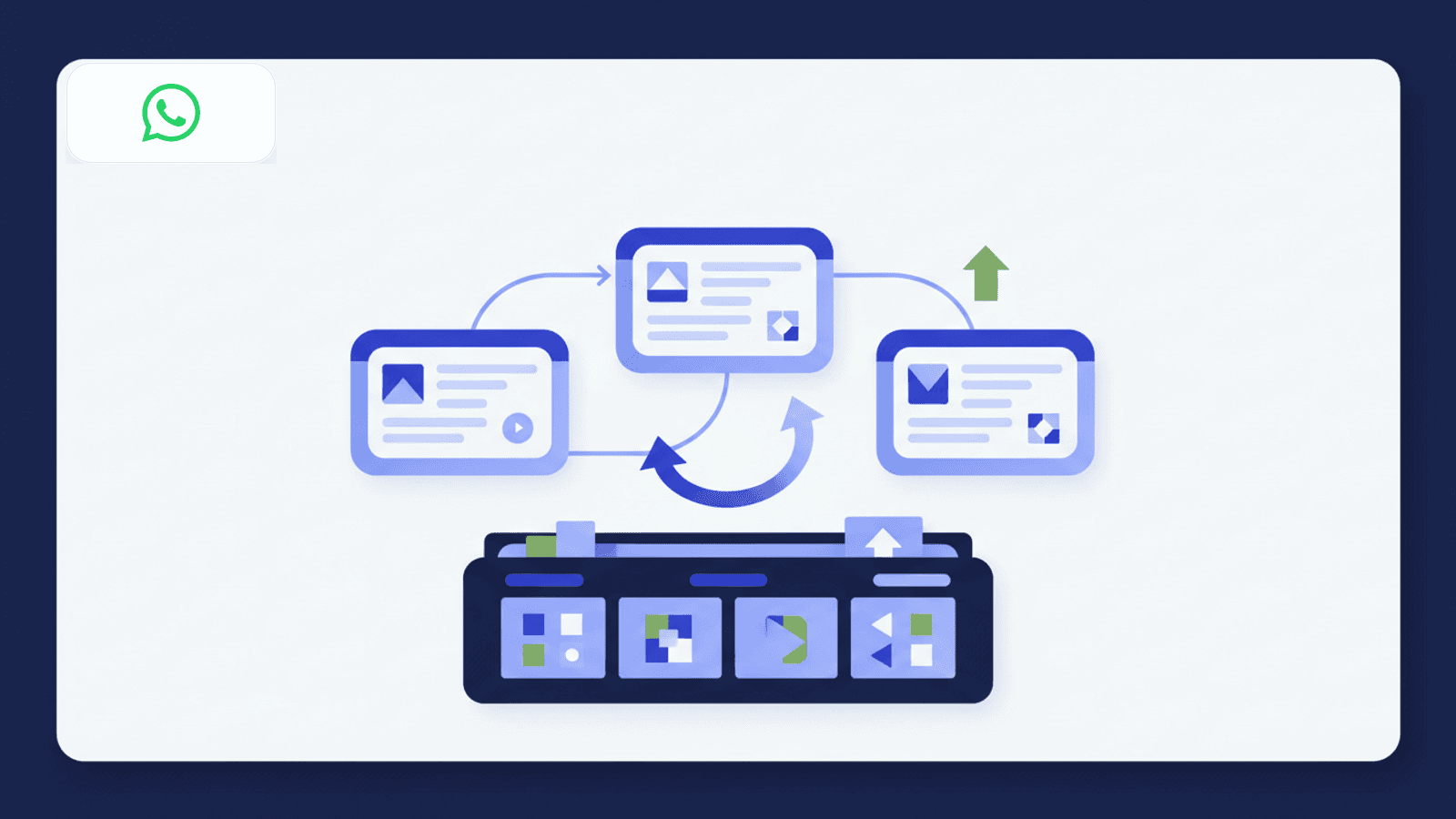
With the new integration, you can access a centralised library to reuse your approved media or upload new files, audio included, without ever leaving the template editor. That means more speed, consistency and control over your communications.
How the new process works
The integration has been designed to be intuitive and immediate. Here is how to use it when you create or edit a WhatsApp template with a media header:
- Select the type of header you want to use: Image, Video, Document or Audio.
- Choose how to add the media: you can upload it from your computer as always, or select the new “Choose from media library” option.
- The media library opens directly inside the editor, automatically filtering the content by the file type you chose (for example, it will only show videos if you selected “Video”).
- Select the file you want and carry on building your template. There is nothing to download or re-upload.
This feature is available both when creating new templates and when editing existing ones.
The concrete benefits for your business
This update is not just a technical improvement, it is a genuine strategic tool for optimising your WhatsApp marketing.
Faster launch of campaigns and templates
Think how often you reuse the same logo, the same PDF brochure or the same presentation video. You no longer have to upload them every time. This dramatically cuts the time needed to create and approve templates, letting you launch your campaigns faster.
Consistent brand and messaging
Using a centralised media library ensures the whole team always works with the right, up-to-date files. No more risk of sending an old logo or a document with outdated information. Your communication will always be professional and consistent.
Richer customer experiences with audio support
With the addition of support for audio files (MP3), the possibilities expand. You can send personalised voice notes, audio announcements or short explanations to create a more human and engaging conversation, going beyond static images and documents.
A practical example: the estate agency
Imagine an estate agency using Futuria CRM to communicate with its clients. Until yesterday, for every new property an agent had to create a WhatsApp template by manually uploading the agency logo, a PDF with the privacy rules and the photos of the house. A repetitive process, and one prone to mistakes.
Today, the marketing manager has already uploaded the official logo and the information PDF to the media library. When an agent creates a new template, they only need to select the corporate files from the library and upload the property-specific photos. They could even add a short recorded welcome message to give it a personal touch. The result? Less time wasted, zero mistakes and impeccable communication.
Supported file types for headers
For maximum flexibility, the media library supports the most common formats for each header type:
- Images: JPG, PNG
- Video: MP4
- Documents: PDF
- Audio: MP3
This update is another step forward in making Futuria CRM the most efficient and powerful tool for your communications. Start using the media library today and see how much time you can save.


