


Table of contents
- Connect your Instagram account directly, with no Facebook page required
- What's new?
- What you can do with this integration
- Why this update matters
- Important notes
Connect your Instagram account directly, with no Facebook page required
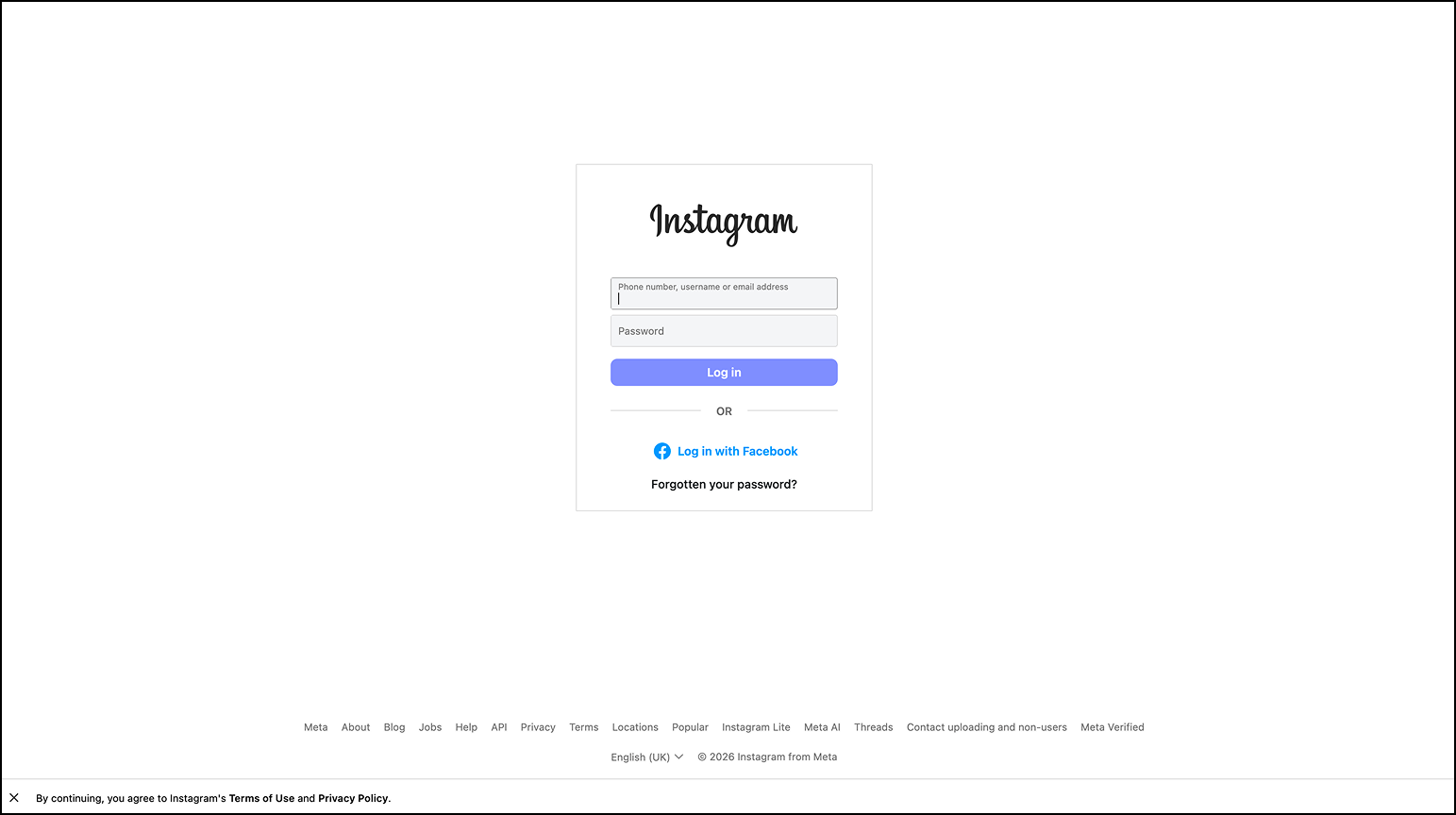
From today you can connect your Instagram account to Futuria CRM directly, with no need to link it to a Facebook page. This update gives you more flexibility in managing your accounts and paves the way for new native Instagram features that will require this direct connection.
What's new?
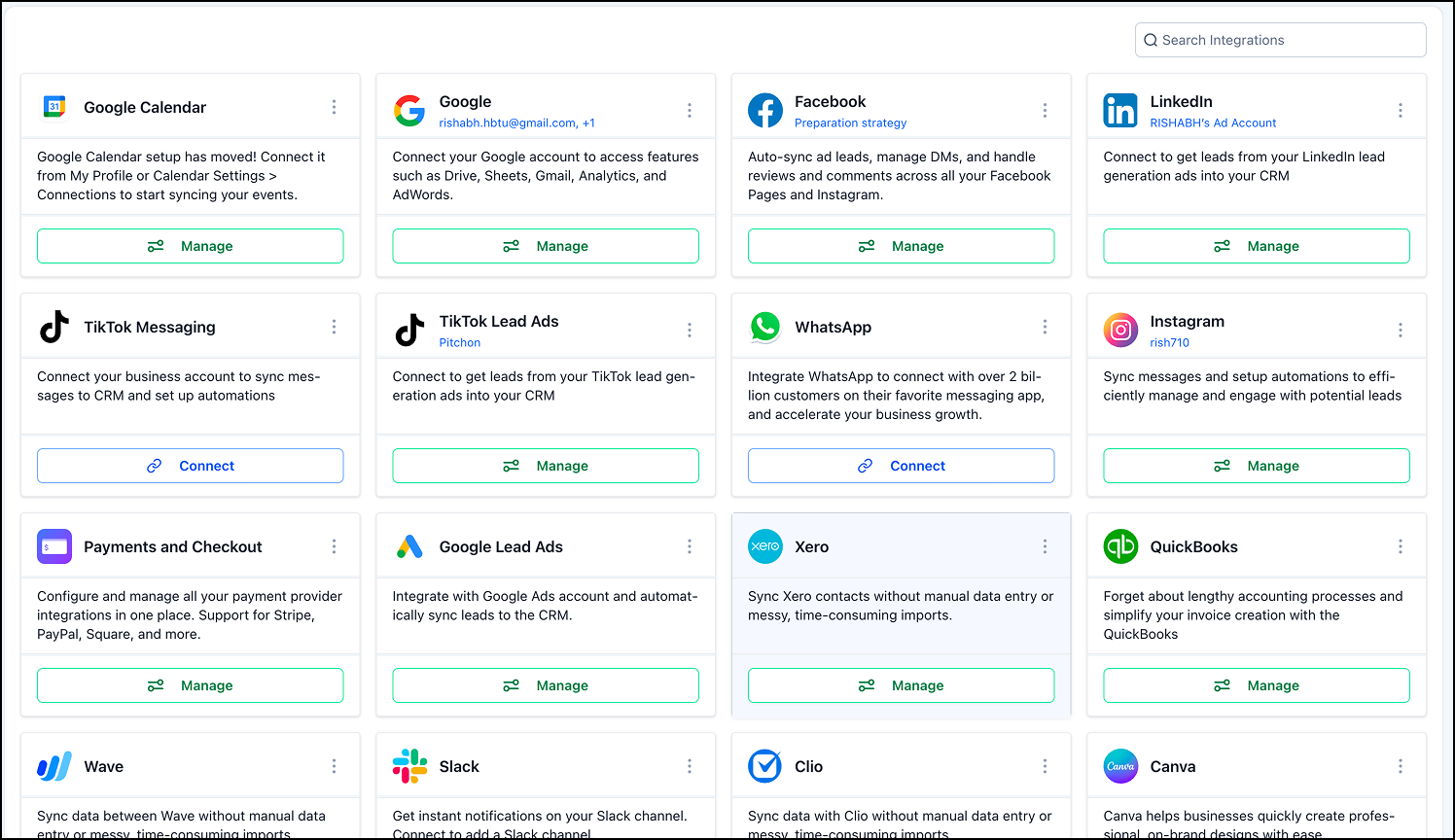
- A dedicated Instagram integration tab, which you will find under Settings → Integrations.
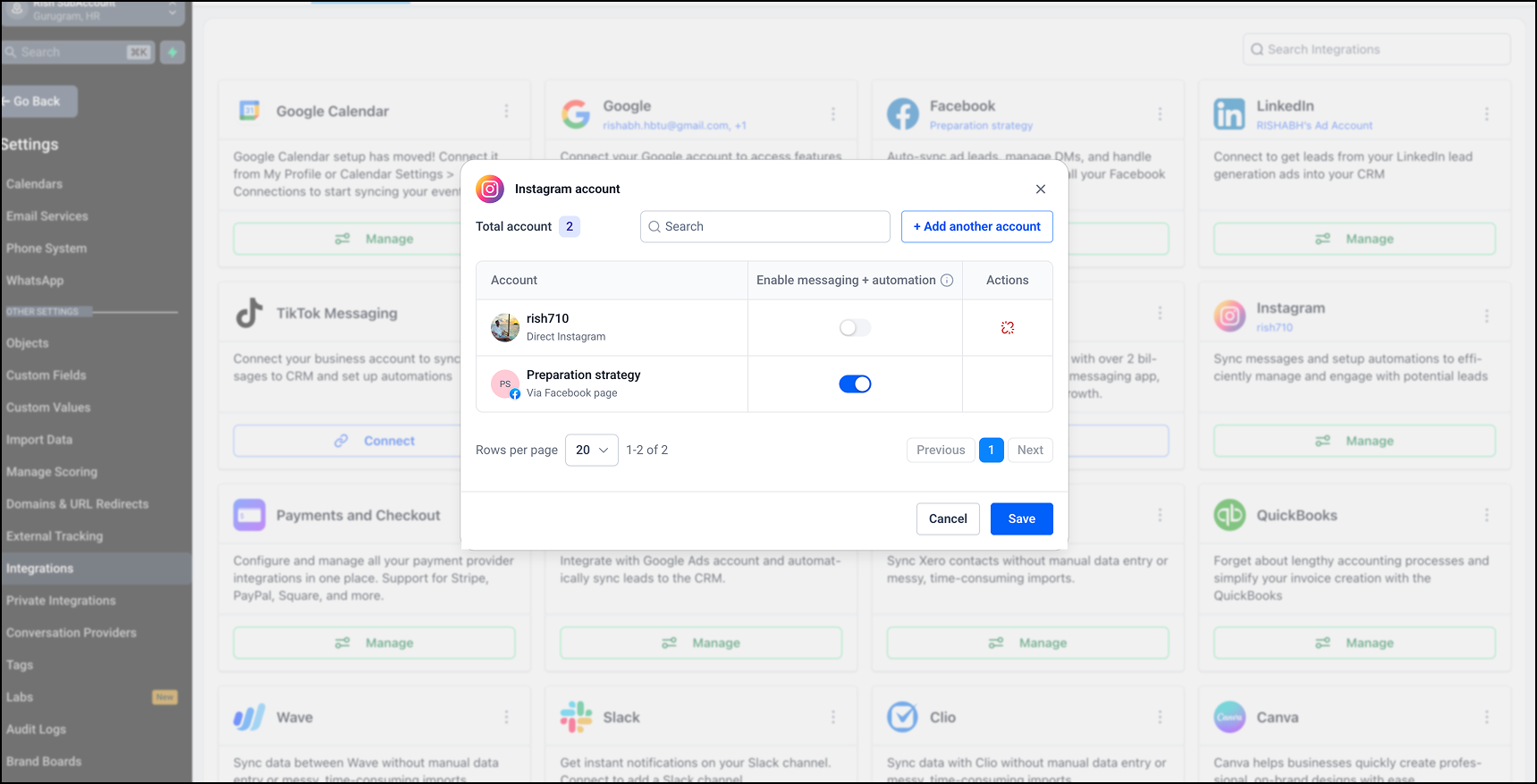
- A single view of every Instagram account you have connected.
- Support for both connection methods: direct with Instagram or through a Facebook page.
- A "Messaging and Automations" toggle that gives you full control at individual account level.
What you can do with this integration
- Sync your Instagram Direct conversations straight into Futuria CRM.
- Create and manage contacts from your Instagram conversations.
- Trigger workflows and automations based on the interactions you receive on Instagram.
- Handle Instagram conversations alongside all your other messaging channels.
Why this update matters
Instagram is one of the most important communication and lead generation channels for businesses. The direct integration gives you:
- More flexibility in connecting and managing the account.
- Better visibility over the Instagram accounts you have connected.
- A simpler set-up experience, with no dependency on a Facebook page.
- Support for future features, such as automations for DMs to new followers and poll replies.
- A stronger foundation for future Instagram messaging and automation features.
This improvement lets us support Meta's future releases and beta features far more quickly.
Important notes
- Instagram connections based on a Facebook page will carry on working exactly as before.
- When you switch on the direct connection, the page-based connection option is automatically disabled to avoid conflicts.
- Instagram accounts connected through a Facebook page cannot be disconnected on their own. You need to disconnect the associated Facebook page first.
- Existing workflows and automations will keep running without interruption if you move from one connection method to the other for the same Instagram account.
- Switching off the "Messaging and Automations" toggle stops both the Instagram messaging and the automation functions for that account.
- The direct Instagram connection will be required to support certain future native features, such as sending automatic DMs to new followers or replying to polls.
- Any account connected through this integration will automatically be available in the Social Planner as well, and vice versa.


