

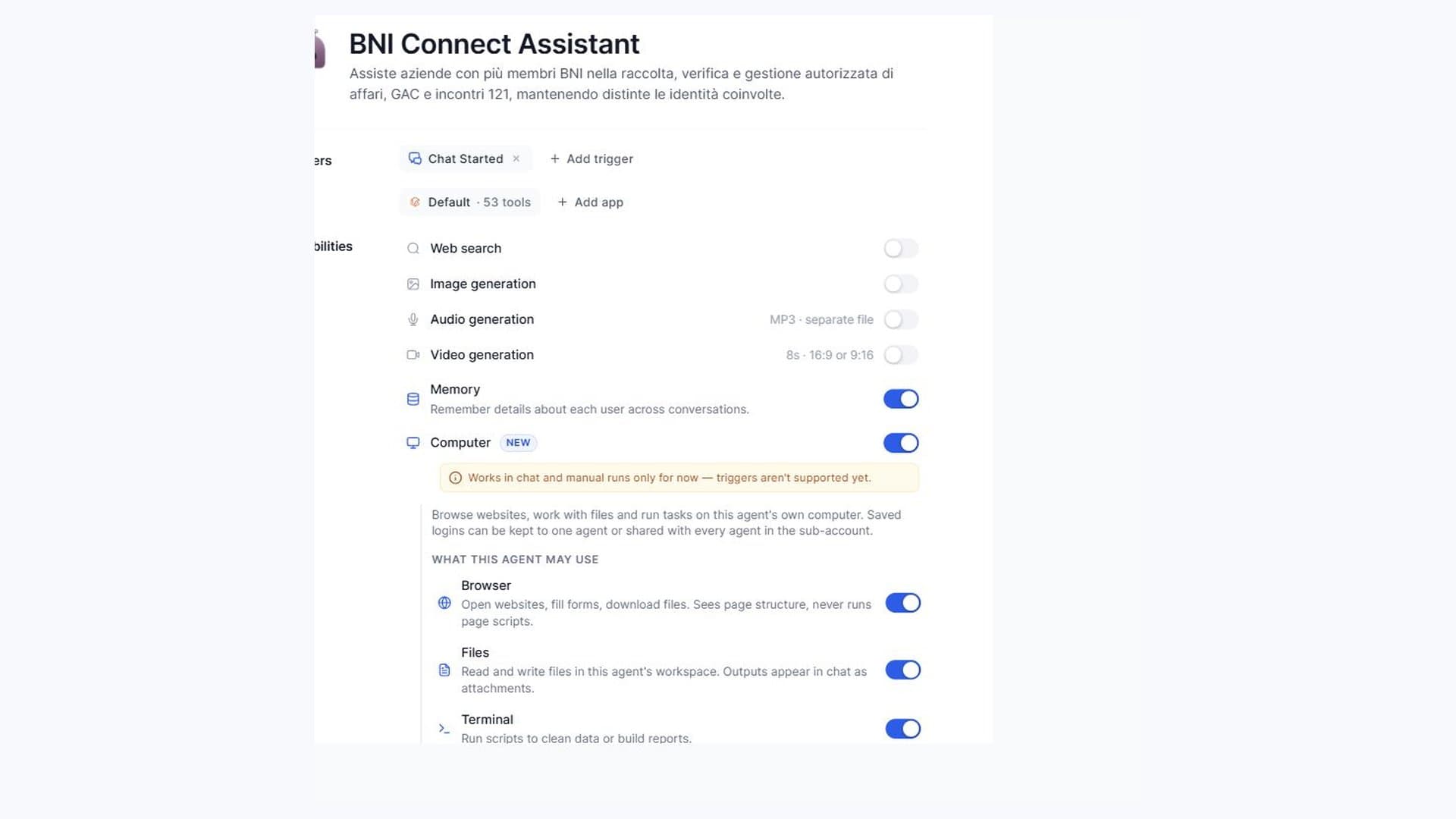
Referral business, a completed one-to-one and several BNI members in one company: the work continues after the weekly meeting. BNI Connect Assistant brings that follow-up into Futuria CRM through guided activation.
Table of contents
One company register, several members
The workflow is designed to collect business given and received, both BNI and non-BNI, keeping the customer, referrer and internal member distinct. Amounts, dates and membership periods stay attached to each entry. Only completed one-to-ones count; a calendar appointment is a candidate to verify.
From collection to registration
Start from a cashbook when it is actually connected, or use CSV, PDF and information supplied in chat. Collection and registration are separate steps. For each member choose batch approval or the operations authorised to run automatically. Only verified BNI entries and completed one-to-ones belong in BNI Connect.
Agree collection and registration frequencies separately. The starting suggestion is weekly, on the day before the chapter meeting. Routines are activated when the required native capabilities are available and verified; otherwise use a reminder and start from chat.
Request activation
The request collects members, sources, preferences and the account to configure. The team checks access and required components: activation is not instant. Login and security checks may require your involvement. If the required protected technical access is missing, Agente Futuria flags Fabrizio in the same ClickUp task to complete that step through the protected process; setup remains pending. Do not post tokens in comments. Agente Futuria creates and configures the components in your account from the versioned package and installation procedure. A preinstalled snapshot is not required.
This initial availability does not yet include complete operational validation on BNI Connect. Verification with a BNI customer is the next step, so it does not promise that automatic registration has already been proven in use.
Explore the product and request activation or read the setup guide.