


This guide explains how to manage marketing and profiling consent in Futuria CRM. It is not legal advice: its purpose is to clarify which features the platform provides and which decisions remain with the data controller.
Table of contents
- In short
- Why there is no single switch
- Useful features in the platform
- Recommended model with tags and smart lists
- Keeping proof of consent
- Logs and the CRM's historical record
- Renewal or expiry of consent
- What the client has to define
- Responsibilities and limits
In short
Futuria CRM lets you record and manage separate consents, but not through a single global switch valid for every business. The correct configuration depends on the privacy rules defined by the data controller: the wording of the privacy notices, the purposes, the legal basis, the duration of consent, the renewal method and the action to take when consent is no longer valid.
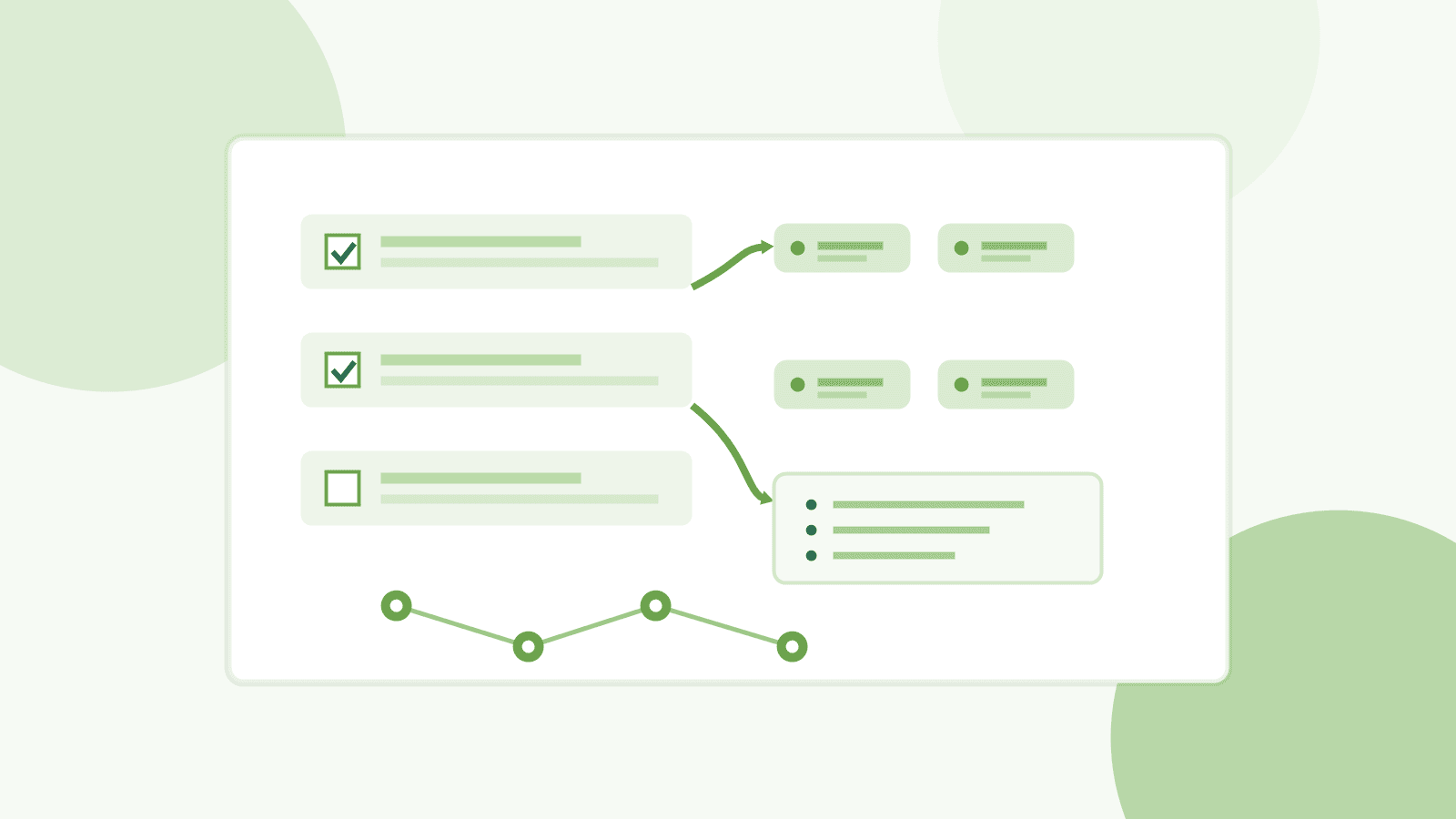
The most common operating model uses fields or checkboxes to collect consent, tags to represent it on the contact, smart lists to include only eligible contacts, and workflows to automate updates, renewals or removals.
Why there is no single switch
Consent management is not identical for everyone. One business may use Futuria CRM only to send newsletters; another may run sales campaigns, segmentation, forms, events, channel preferences or periodic renewal processes. This is why the platform provides configurable tools instead of imposing a fixed rule.
In practice, Futuria CRM does not decide which consents are needed or how long they remain valid. Those choices belong to the data controller, who has to define their own privacy rules and then translate them into the account configuration.
Useful features in the platform
- Checkboxes in forms: they let you collect explicit consent with customised wording.
- Custom fields: they let you store information such as consent status, date, source, privacy notice version or purpose.
- Tags: they let you represent consent operationally on the contact, for example
marketing consentorprofiling consent. - Smart lists: they automatically include only the contacts that match the filters you define, for example the presence of a particular tag.
- Workflows: they automate adding or removing tags, renewing consent, internal notifications or exclusion from flows.
Recommended model with tags and smart lists
A simple, robust configuration gives each relevant consent its own separate logic. For example:
- a field or checkbox for marketing consent;
- a separate field or checkbox for profiling consent, if profiling is actually carried out;
- a dedicated tag for each consent;
- smart lists that include only the contacts with the required tag;
- workflows that update tags and fields when consent is given, withdrawn or has to be renewed.
In this model, if the tag for a consent is removed, the contact no longer falls into the smart lists based on that tag and is therefore excluded from the related communications or activities.
Keeping proof of consent
When consent is collected through the platform, the configuration can store elements that are useful as proof of consent, such as:
- consent status;
- date and time it was obtained;
- the source it came from, for example a form, landing page, import or manual update;
- the wording or version of the applicable privacy notice;
- the purpose linked to the consent;
- any updates or withdrawals.
The choice of which elements to keep, and for how long, depends on the data controller's privacy policy and on the configuration adopted in the account.
Logs and the CRM's historical record
Alongside the fields configured for consent, Futuria CRM keeps an operational record of what happens in the system. This record does not replace a privacy policy or a record of processing activities, but it does help you reconstruct the activities carried out in the CRM.
In particular:
- the contact record collects conversations, activities, notes, appointments, sends and other events linked to the contact;
- tags represent operational states of the contact and can be added or removed manually, through an import, through integrations or through automations;
- changes to tags can be used as events to start or condition workflows, for example when a tag is added or removed;
- workflows have execution logs and enrolment history, useful for checking when a contact entered an automation and which actions it went through;
- the account audit logs, where available for the module concerned, provide a chronological trail of the relevant actions and changes made by users.
For this reason, a correct consent configuration should use clear tag names, readable workflows and dedicated fields: this makes the contact's current status and the history of actions easier to verify in the event of an internal check, a customer request or a review of the configuration.
Renewal or expiry of consent
If the data controller decides that a consent has to be renewed after a certain period, this rule can be implemented through automations. For example, a workflow can check the date consent was obtained, send a renewal request and, if there is no confirmation, remove the related tag or exclude the contact from the operational lists.
The renewal period is not set universally by the platform. It has to be defined by the data controller on the basis of their own privacy notice, the purposes of the processing and the rules applicable to their case.
What the client has to define
Before configuring consent in Futuria CRM, the client should define at least:
- which purposes require separate consent;
- the exact wording of the consent statements;
- the link to the applicable privacy policy or privacy notice;
- which data has to be recorded as proof;
- when a consent should be considered expired or due for renewal;
- what has to happen on expiry: removing the tag, excluding the contact from the list, requesting renewal, deletion or another action.
Responsibilities and limits
Futuria CRM provides the technical tools to configure the collection, tracking and automation of consent. The responsibility for defining the privacy rules, the wording, the legal bases, the retention periods and the renewal methods remains with the data controller.
For complex configurations, or when specific legal policies have to be applied, we recommend starting from the guidance of your own privacy adviser and then translating it into fields, tags, smart lists and workflows inside the platform.