


Table of contents
Connect Gmail or Outlook
Keeping track of customer conversations can be tricky when you are juggling several inboxes. Don't worry, we have made it extremely easy to sync your Gmail or Outlook inbox directly into Futuria CRM.
That way, you will see every customer interaction in one place and never miss an important follow-up again. Ready to simplify your email management? Here is how to connect your inbox quickly:
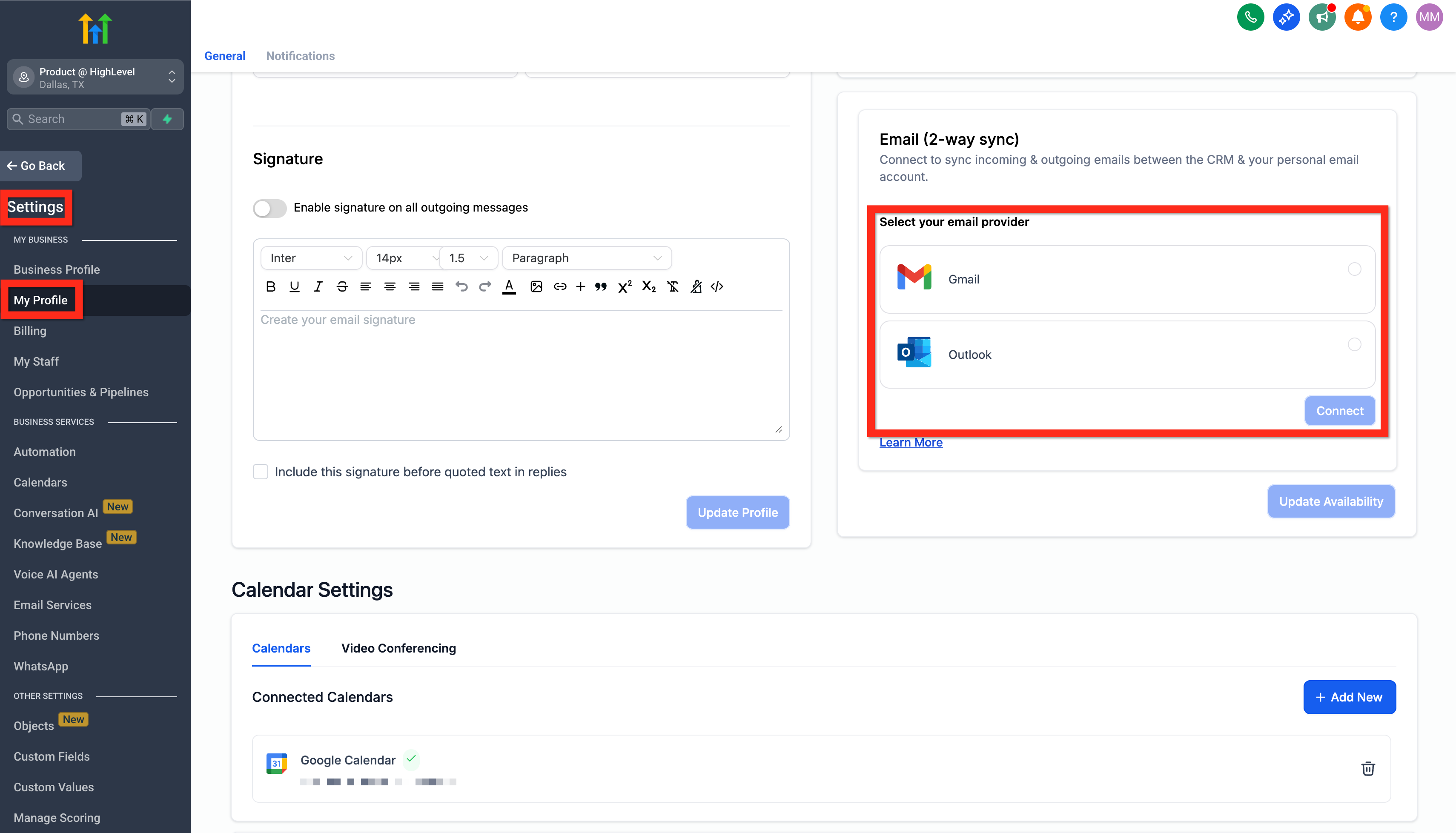
- Go to Settings > My profile > Email (two-way sync).
- Choose Gmail or Outlook, then click Connect.
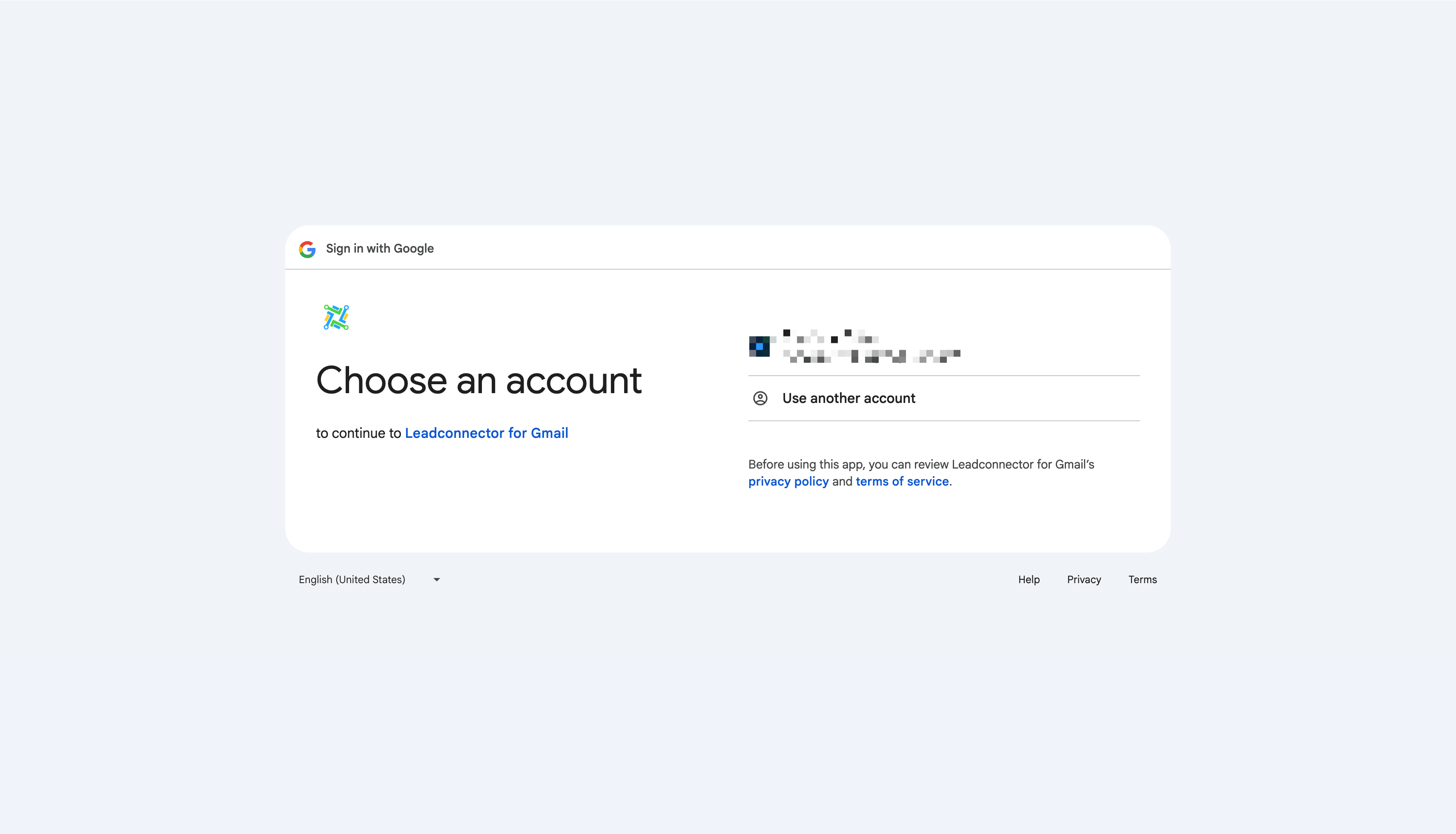
- Follow the instructions to accept the permissions. It is a safe and secure operation!
Use your connected email
Now that you have connected your inbox, you are ready to manage your emails directly from Futuria CRM. Here is how simple it is to start sending messages:
- Go to the Conversations section.
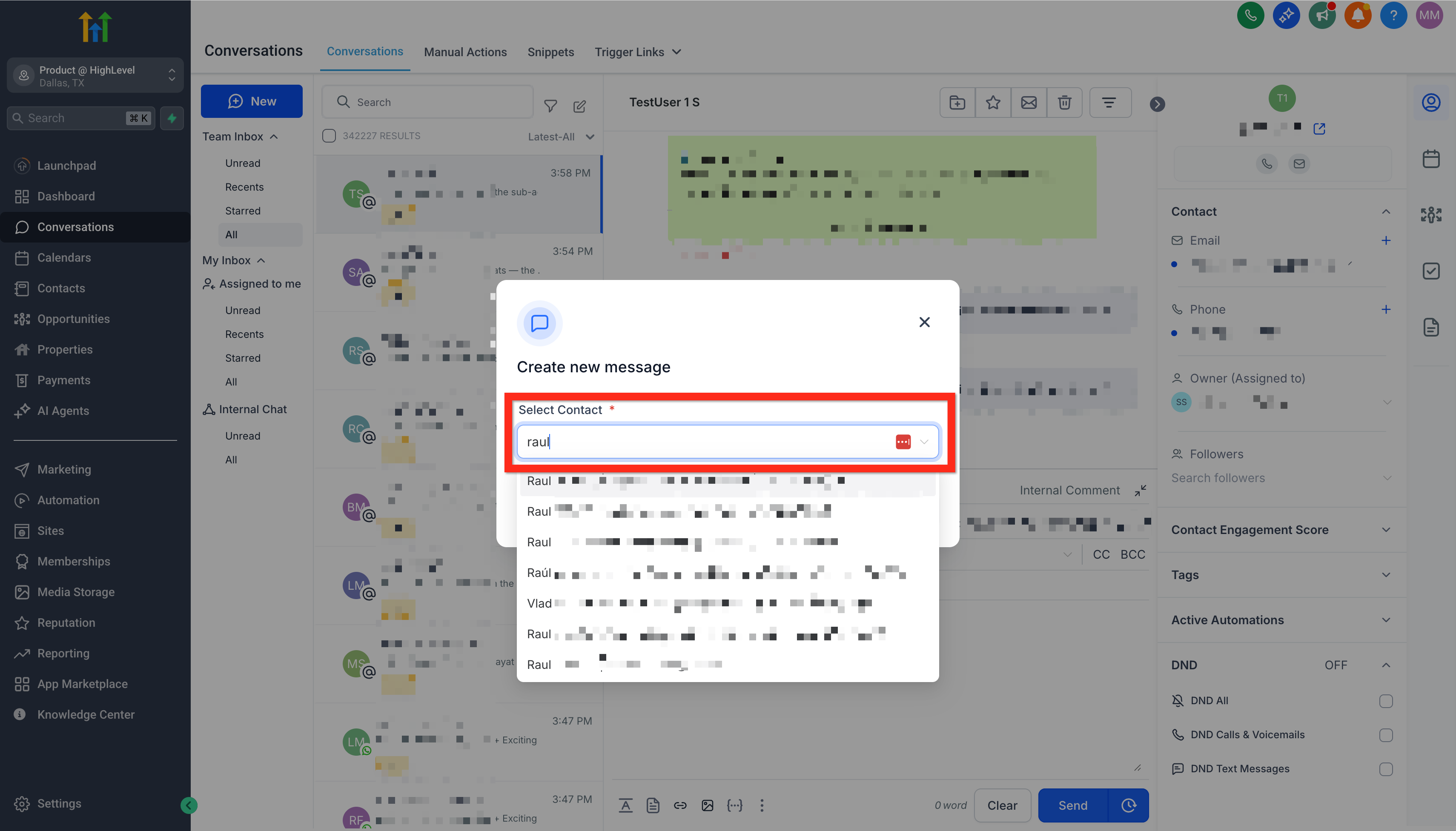
- Click Create new message (the pencil-on-paper icon).
- Select Direct message.
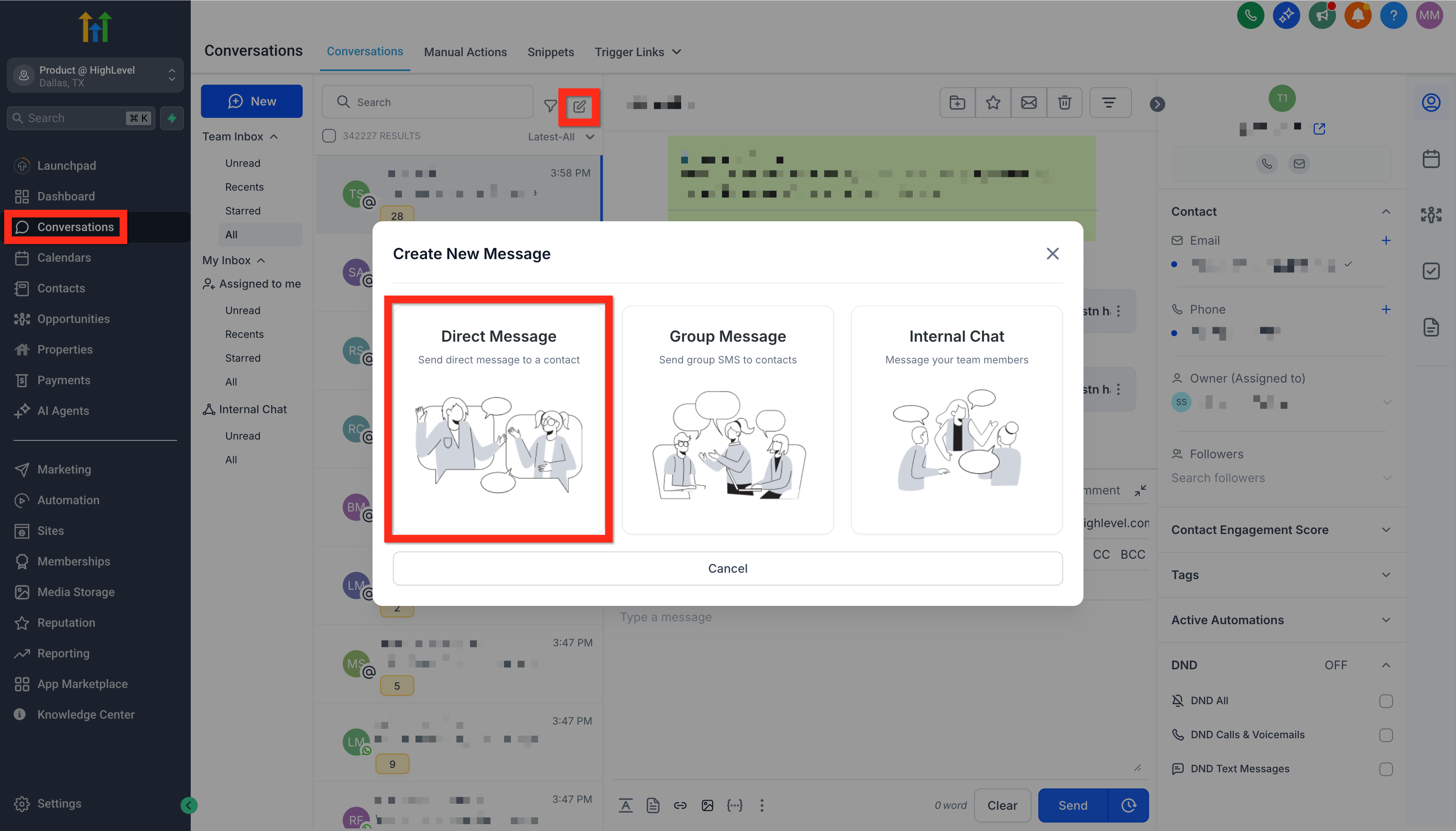
- Choose your contact and click Continue.
- Your connected email address will appear automatically in the "From" field.
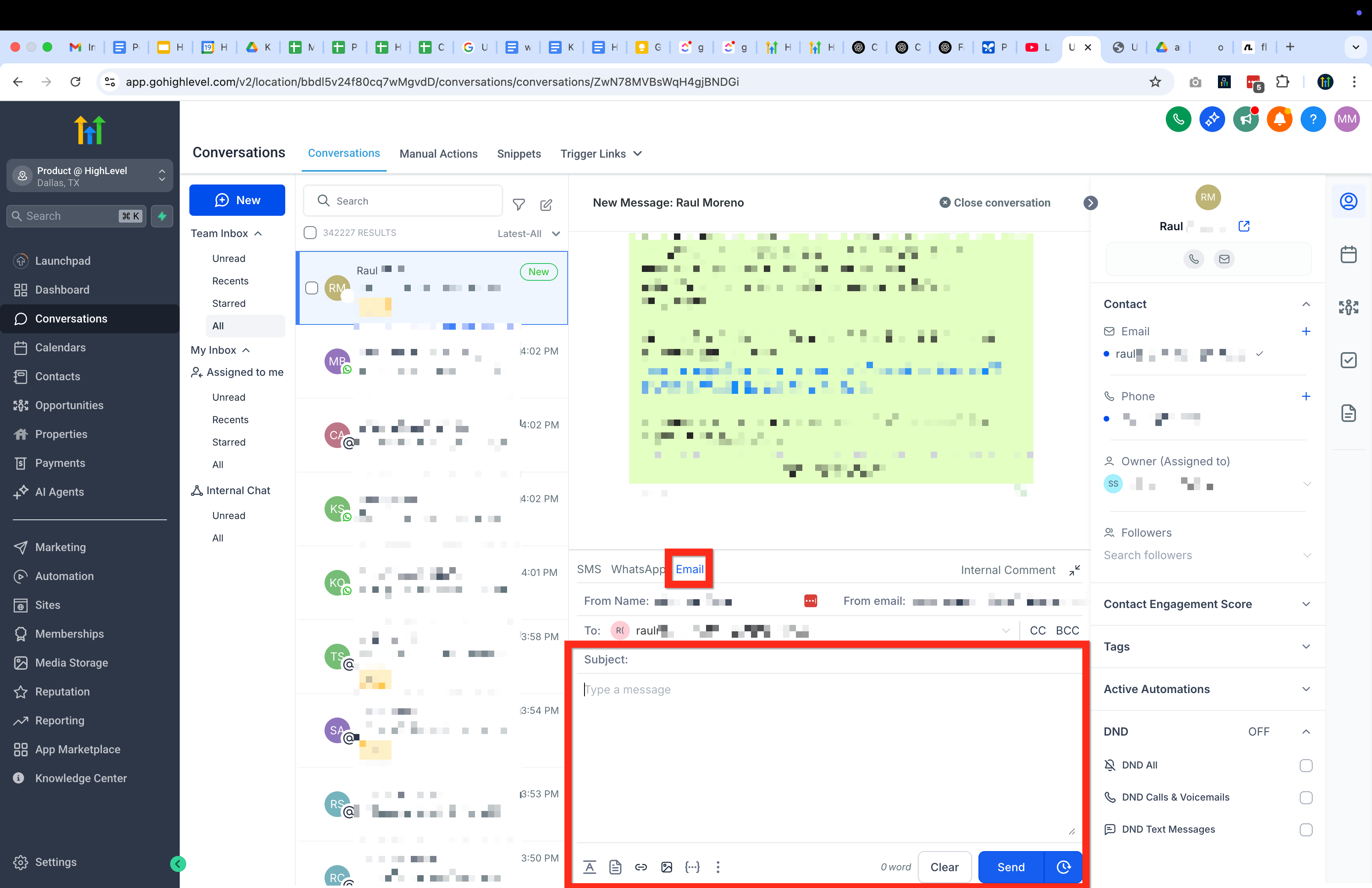
Your emails will sync seamlessly in both directions, from Futuria CRM to your personal inbox and back again, so you are always up to date.