


Table of contents
- Why use custom objects?
- What are custom objects?
- When should you use custom objects?
- When to stick with standard CRM objects
- Common examples
- Recommended use cases
- Not recommended
- Next steps
Why use custom objects?
Custom objects help you move beyond a CRM focused solely on people and build a data model that reflects how your business really works.
Using custom objects lets you:
-
Keep your CRM organised at scale
Avoid piling up irrelevant data on contacts or opportunities, which leads to messy records and poor usability. -
Model real-world entities as top-level records
Treat items such as properties, pets, projects or policies as independent records with their own life cycle, fields and automations. -
Unlock clearer automations and reporting
When data is structured correctly, workflows, filters and dashboards become simpler, more precise and easier to maintain. -
Support complex relationships naturally
One-to-many and many-to-many relationships (for example, a contact who owns several pets or properties) are easier to manage and understand.
In short: custom objects help you keep your CRM clean, scalable and aligned with the way your business actually operates.
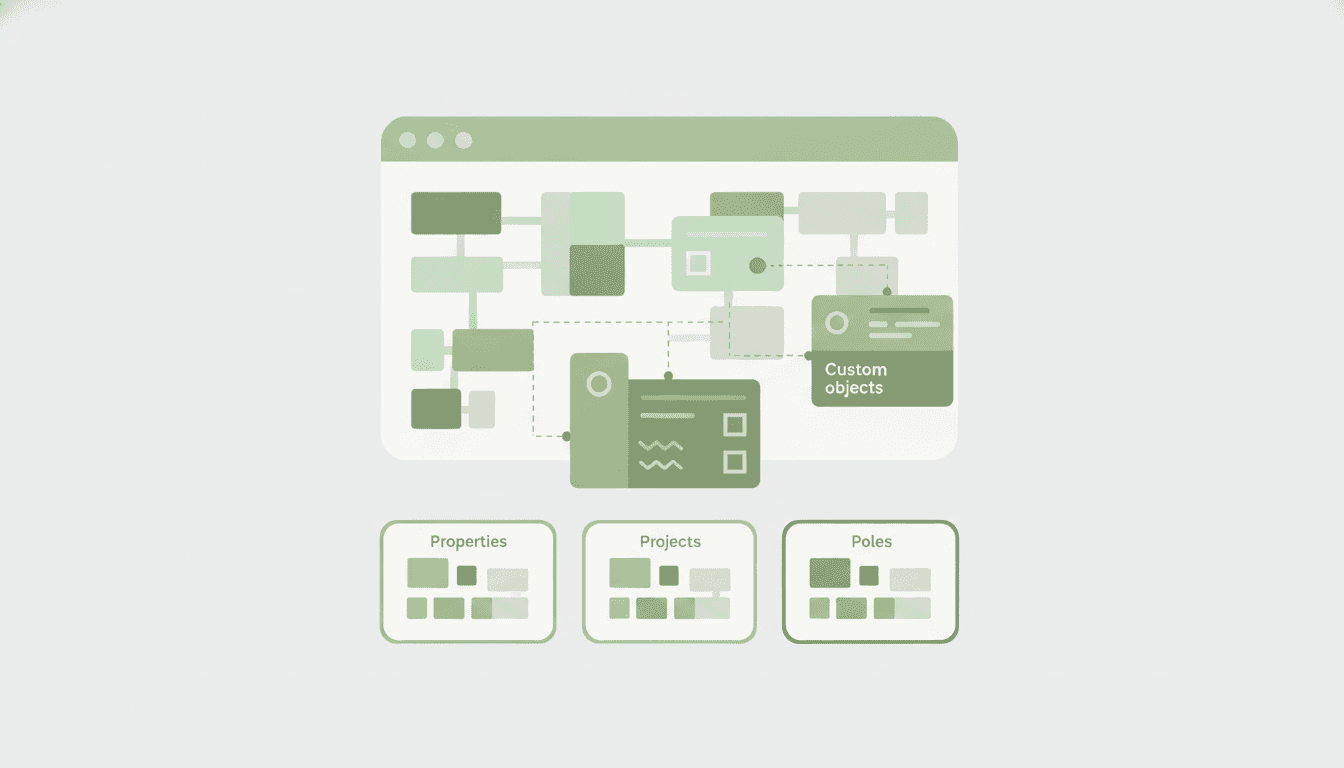
What are custom objects?
Think of custom objects as top-level CRM records for items such as:
-
Properties
-
Pets
-
Projects
-
Subscriptions
-
Policies
Every custom object has:
-
Its own records and fields
-
Associations with other CRM objects
-
Cross-cutting support in workflows and automations
When should you use custom objects?
Custom objects are a good choice when:
Your data does not belong to a person or a company
If you are tracking "things" (assets, listings, policies, pets) rather than people, a custom object is usually the right abstraction.
You need structured, repeatable records
When the same type of entity exists several times and needs consistent fields, views and automations.
You want deeper relationships in your CRM
Custom objects can be linked to contacts, companies, opportunities and even to other custom objects, unlocking advanced workflows.
Examples
- Property listings linked to buyers and agents
- Several pets linked to their owners
- Projects linked to customers and opportunities
When to stick with standard CRM objects
Custom objects are powerful, but they are not always the right answer.
Avoid custom objects if:
A standard object already works
Contacts, companies and opportunities come with built-in features that custom objects do not always support.
You need contact-specific features
Bulk emails, marketing campaigns and some communication tools only work with contacts.
You are duplicating the same data
Creating a custom object that mirrors an existing one can cause confusion and inconsistent data.
Try using smart lists instead to create different segmentations within standard objects.
Common examples
Recommended use cases
Real estate – Properties
Create a "Properties" object to track property details (price, status, address) and associate them with buyers, sellers or agents.
Veterinary clinics – Pets
Use a "Pets" object to store medical history, vaccinations and appointments, linking it to the pet's owner.
Not recommended
Event attendees
If your main goal is to send emails, reminders and follow-ups, the Contacts object is already better suited to this purpose.
Internal notes or activities
Custom objects should not replace notes, tasks or activities: that would add unnecessary complexity.
Next steps
Once you have created a custom object, you can:
-
Add custom fields
-
Define associations and labels
-
Build workflows and automations
-
Create forms to collect data into custom objects
-
Display the data on dashboards
Next step: Find out how to create your first custom object